


HDMI cable costs widely vary, so you can be forgiven for wondering whether it’s worth spending more or just opting for the cheapest option out there.
Truth is, there are different HDMI standards with different features, specs, and variables. This means it can be worth spending more to get a more capable cable.
For many devices–TVs, games consoles, set-top boxes, and even some sound systems–a cheaper HDMI 2.0 cable that supports 4K up to 60fps will suit a lot of people. This stands for “High Speed HDMI cable (18Gbps, often sold as HDMI 2.0)”.
That said, many more now support HDMI 2.1 cables, which also means “Ultra High Speed HDMI 2.1-class cable (48 Gbps)”. These are sometimes called 8K cables and can handle transfer speeds of 48Gbps—much more than the 18Gbps of standard ‘High Speed’ HDMI 2.0 cables.
While you likely won’t need one of these for 8K content as nothing is really produced mass market in this format, you may benefit from ultra high speeds if you want a 120Hz refresh rate (such as for games consoles), want to take advantage of VRR (variable refresh rates) or use the cable for an eARC connection for a soundbar.
However, make sure you don’t overpay for what you need. Getting a more expensive HDMI 2.0 cable doesn’t mean you’ll get a sharper 4K picture quality. You’ll usually pay more for longer cables, the durability rating, certifications and higher bandwidth features. Unless these things are dealbreakers for you, our top pick from Amazon Basics will likely suffice.
Whatever you’re looking for, we’ve picked out some of the best cables from brands we trust in the US and UK. As well as HDMI to HDMI cables, we’ve also included PC and Mac USB-C to HDMI cables for people looking to connect computers (or even phones) to monitors.
Which HDMI cable do I need?
- If you have a TV that supports 4K up to 60Hz (such as the Sky Glass), then the standard HDMI 2.0 cable will suit your needs
- If you plan on connecting the latest games consoles, such as the PlayStation 5, then you’ll want a HDMI 2.1 cable to take advantage of that 120HZ refresh rate – providing the panel on your TV supports this format
- If you wish to connect something via an eARC port (such as a soundbar), you’ll need a HDMI 2.1 cable
Amazon Basics HDMI Cable – Best overall HDMI 2.0 cable

Pros
- Affordable
- Variety of lengths

Speed: 18Gbps
4K: Yes
Length: 0.9m, 1.8m, 3m, 4.6m, 7.6m
Our top recommendation is also one of the cheapest options around—it’s nice when that works out, isn’t it?
The Amazon Basics range has become a firm favourite of ours across just about every product category it covers, and HDMI cables are no exception. Available in lengths from 0.9m up to 7.6m, and boasting all the necessary tech specs along with a solid (if plain) design, this is hard to beat.
Even better, if the cable isn’t cheap enough for you, you can save money by buying them in bundles of two or three—ideal for updating your whole setup, or just grabbing some spares.
Anker 8K HDMI Cable – Best HDMI 2.1 cable for speed
Pros
- Up to 8K resolution
- Braided
Speed: 48Gbps
4K/5K/6K/8K: Yes
Length: 2m
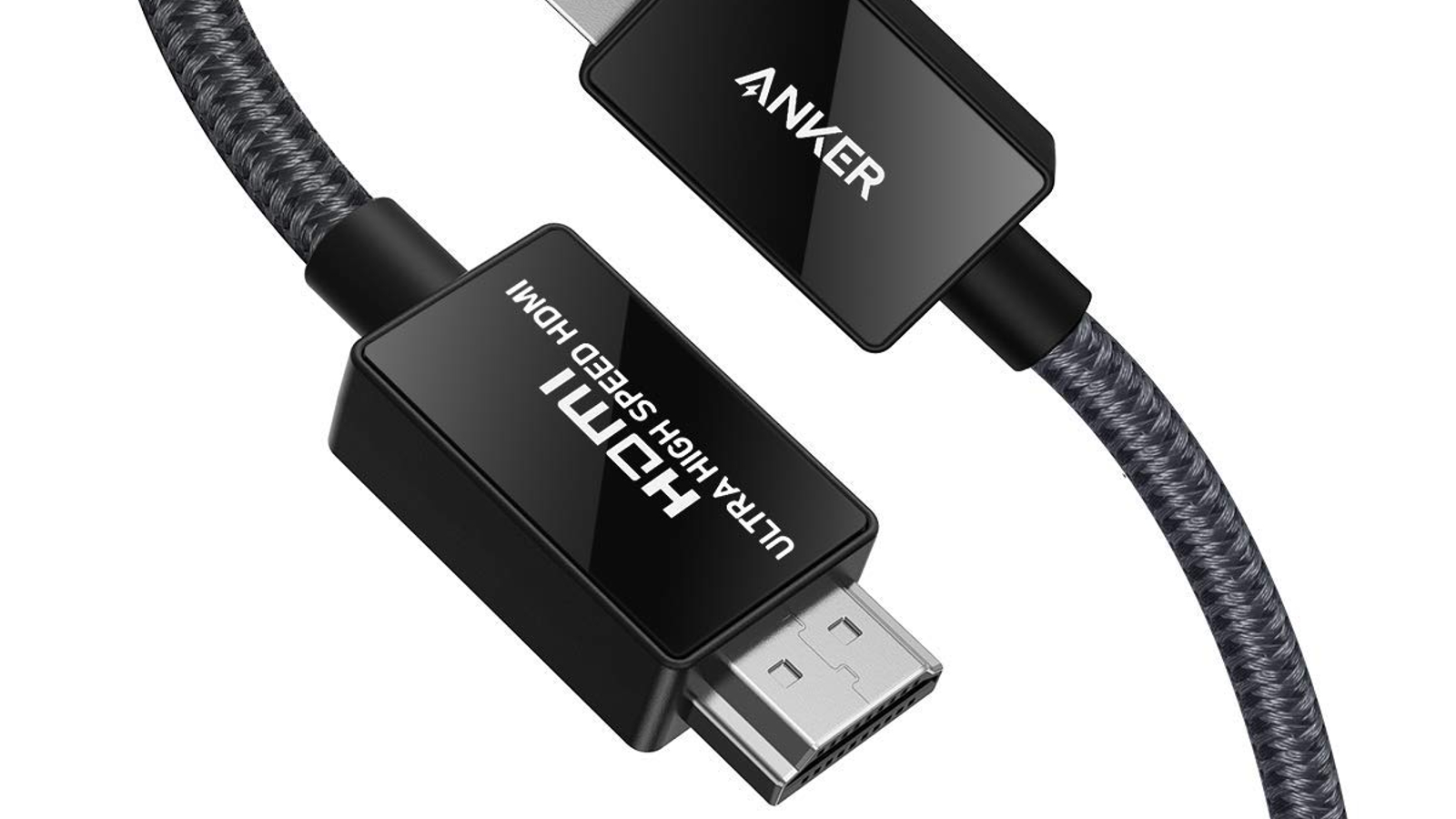
If speed is what you’re looking for, then this ultra-fast cable from Anker should fit the bill.
With a bandwidth of 48Gbps, this HDMI cable can provide 8K at 60Hz, and 4K at 120Hz, making it an excellent option for gamers with next-gen consoles. It’s certified by the HDMI Forum, which means you get support for all the other HDMI 2.1 features such as VRR, QFT, ALLM, QMS and eARC.
The cable itself looks suitably premium with carbon steel connectors and a durable double-braided nylon finish which can withstand over 10,000 bends. Anker also offers an 18-month warranty.
Cable Matters 3-pack of HDMI Cables – Best HDMI 2.1 cable multipack
Pros
- Up to 8K resolution
- Variety of lengths
- Color coded cables
Speed: 48Gbps
4K/5K/6K/8K: Yes
Length: 1m, 2m, 3m
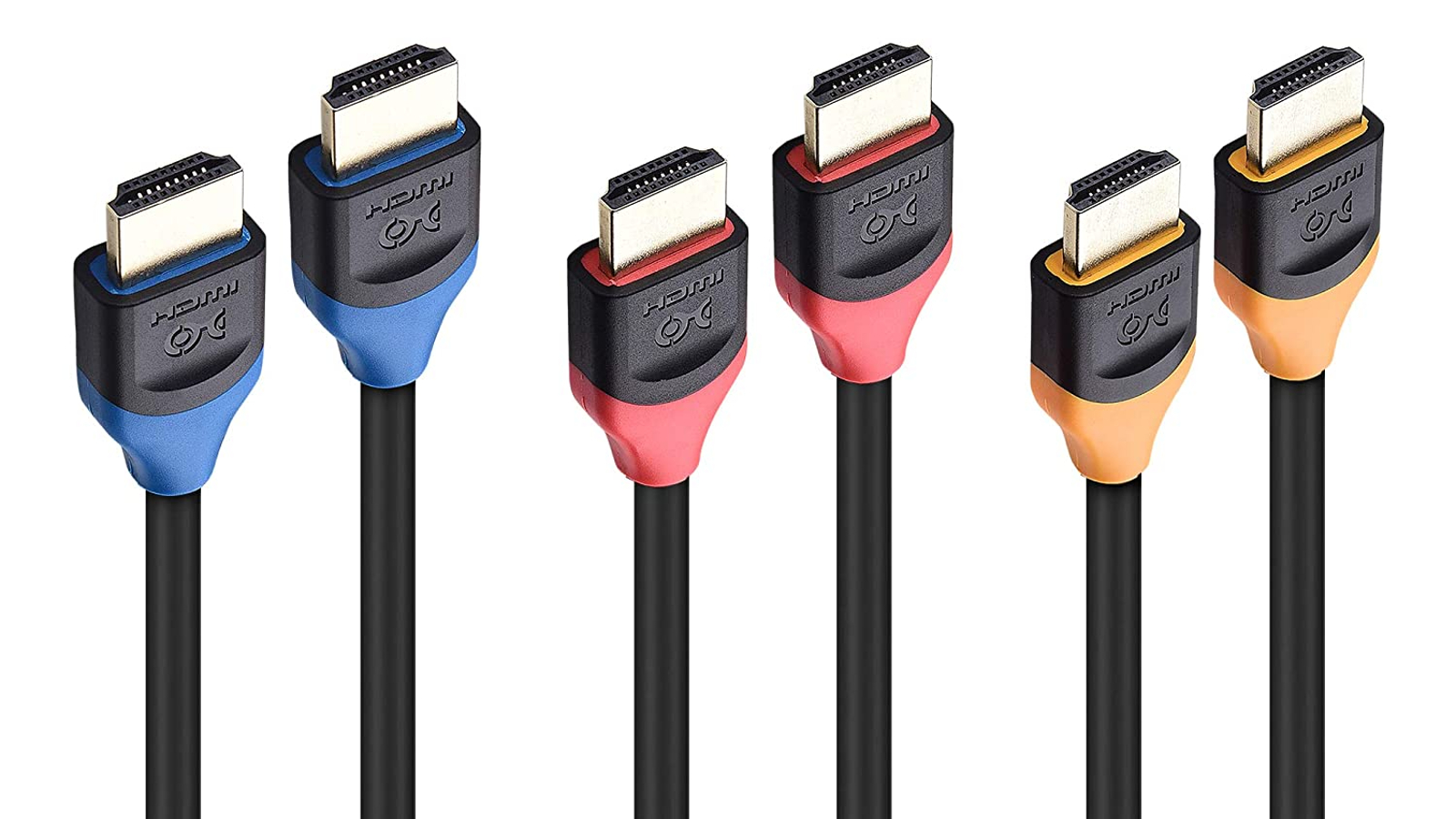
If you’ve got multiple devices to connect via HDMI, then a bundle can offer better value. This pack from Cable Matters comes in three different colours, so you can easily tell them apart.
Outward appearances aside, they also have HDMI 2.1 standard, so they can support 8K, 4K and 1080p picture quality, and have compatibility with eARC ports for soundbars—if you want that Dolby Atmos quality.
They come in 1m, 2m and 3m lengths.
UGreen 90-Degree HDMI Cable – Best HDMI 2.0 cable for tight spaces
Pros
- Right-angled plug
Speed: 18Gbps
4K: Yes
Length: 1m
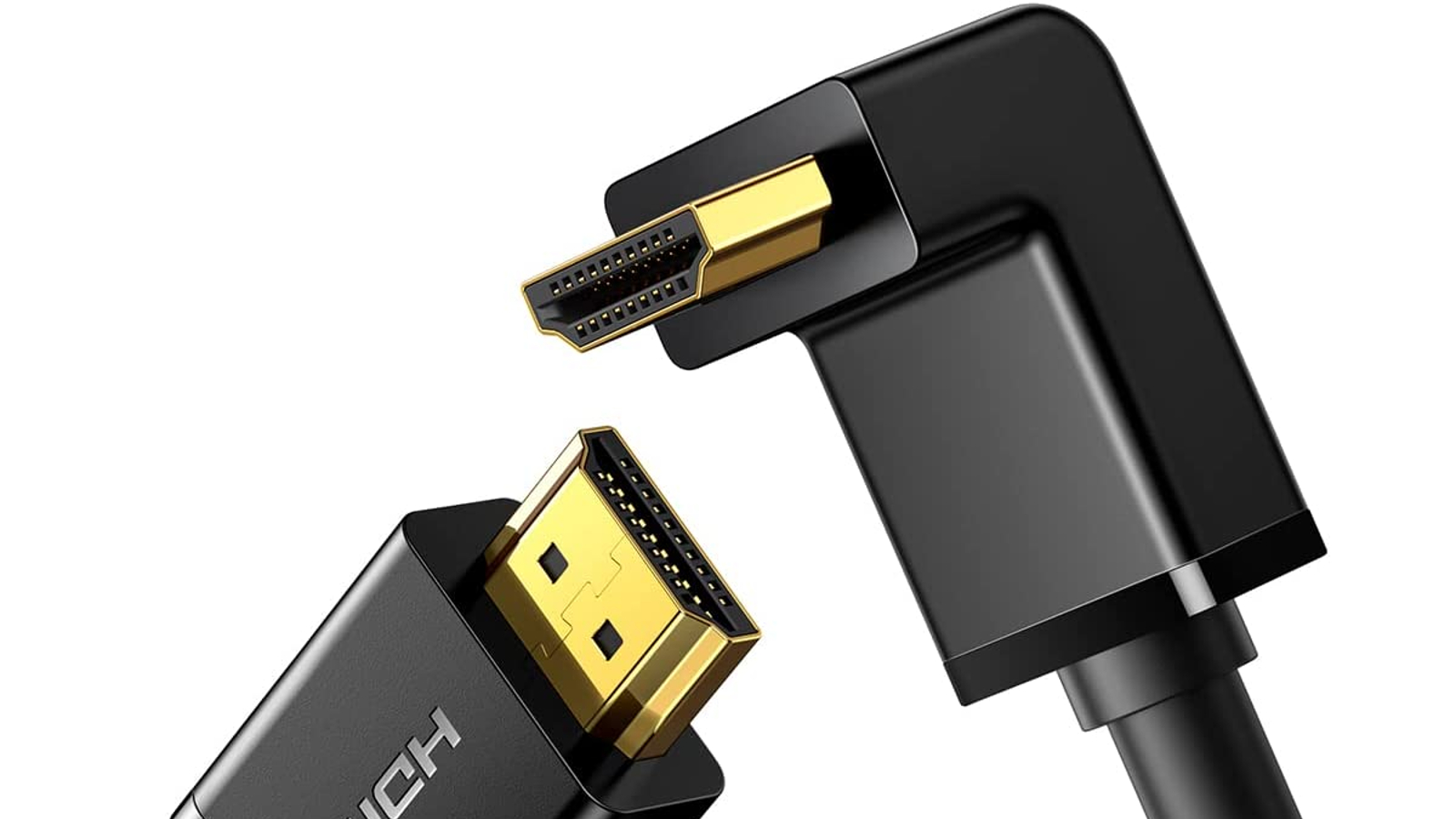
And now for something completely (well, a little) different. This HDMI cable from UGreen has one right-angled plug, perfect for connecting up appliances in odd spots or with limited clearance from your wall or TV cabinet.
Watch out for older 10.2Gbps versions of this cable and ensure you’re getting the 18Gbps one. The 10.2Gbps version will handle any HD content very comfortably, and 4K up to 30fps, but might struggle with higher frame rate 4K or any 4K HDR.
Startech.com HDMI 2.1 Cable 8K – Best HDMI 2.1 cable for length options
Pros
- Up to 8K resolution
- Multiple lengths
Speed: 48Gbps
4K/5K/6K/8K: Yes
Length: 0.5m, 1m, 3m, 4m, 5m
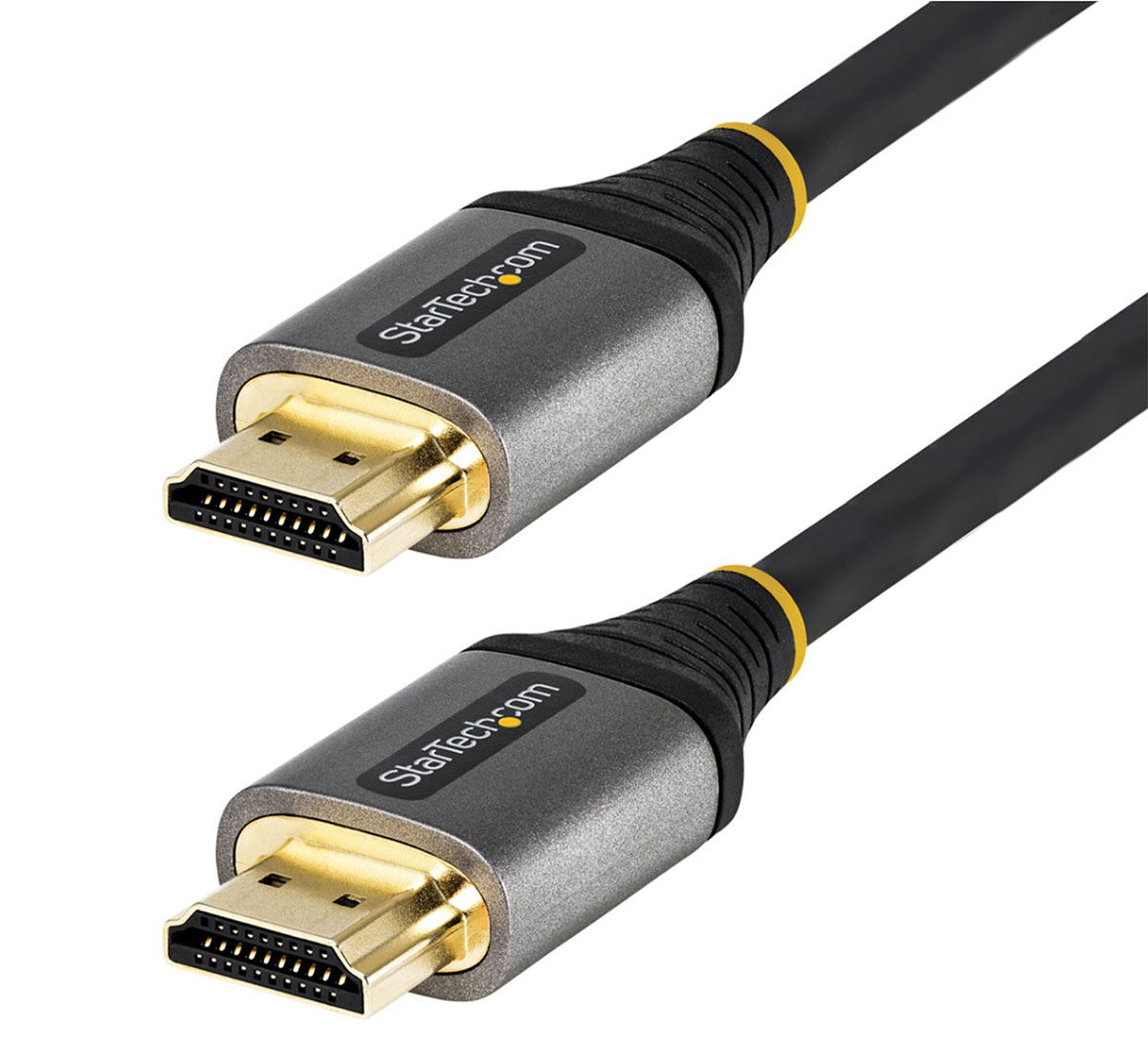
The Startech.com HDMI 2.1 Cable 8K is available in multiple lengths. It supports 4K/5K/6K/8K at 60Hz, with 4K 120Hz another option for faster refresh rates.
While it isn’t braided like the Anker 8K HDMI Cable, reviewed above, Startech.com claims that it has been tested to over 10,000 insertions and its flexible TPE jacket 600 to bend cycles at 120°.
Belkin High-Speed HDMI 2.0 Cable
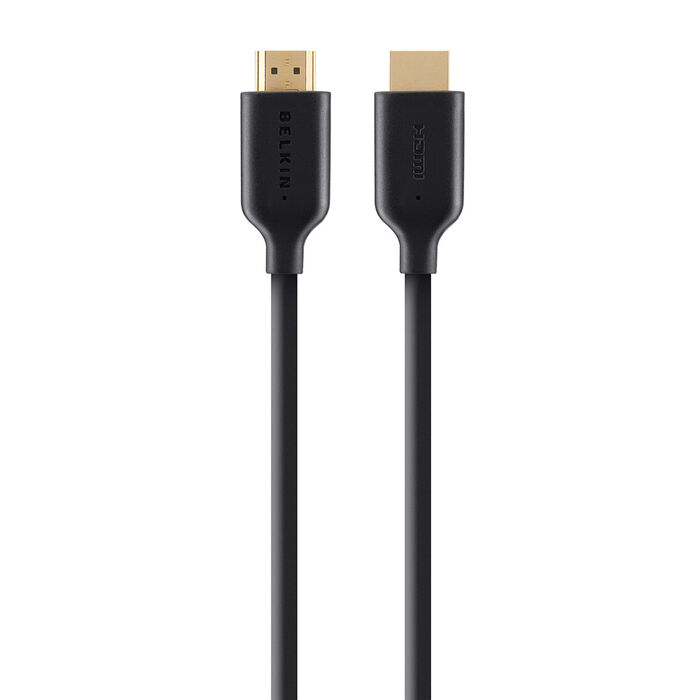
Speed: 10Gbps
4K: Yes
Length: 1m, 2m
If you’re more inclined to trust your cabling to a big brand, Belkin makes a number of reliable tech accessories, so an HDMI cable isn’t much of a stretch for them.
The cable supports 4K, though Belkin also offers an ultra high speed version that costs a lot more. As we said above, we wouldn’t recommend spending the extra money for that, but the option’s there if you’re committed to future-proofing.
The US model is slightly different, but it should get you the same results.
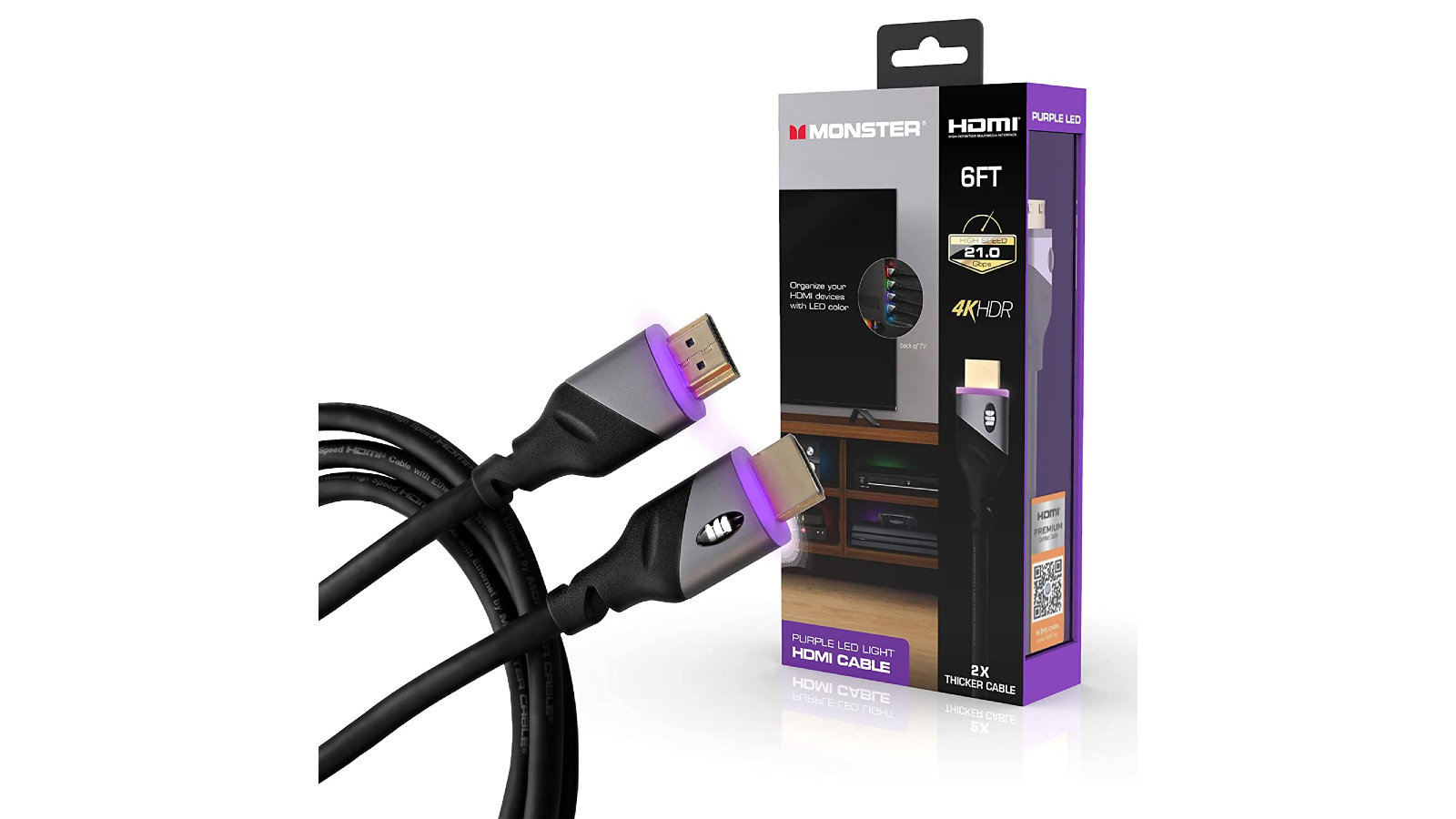
Monster HDMI Cable with built-in LED light – Best HDMI 2.0 for cable management
Pros
- LED port advice
Speed: 18Gbps
4K: Yes
Length: 1.8m
The Spotlight cable from Monster is designed for those of us stuck with a mess of multiple HDMI cables around the back of the TV and consequently struggle to tell them apart.
Each end of the cable includes a small LED, which illuminates when you plug it into a working port, so at a glance you can tell which device is plugged into which port — ideal for troubleshooting problems or de-tangling messy setups.
Beyond that slight gimmick, this is otherwise a well-built HDMI 2.0 cable, with speeds up to 18Gbps and measuring 6ft in length. Monster also sells cables with green, blue and red lights to suit your preferences.
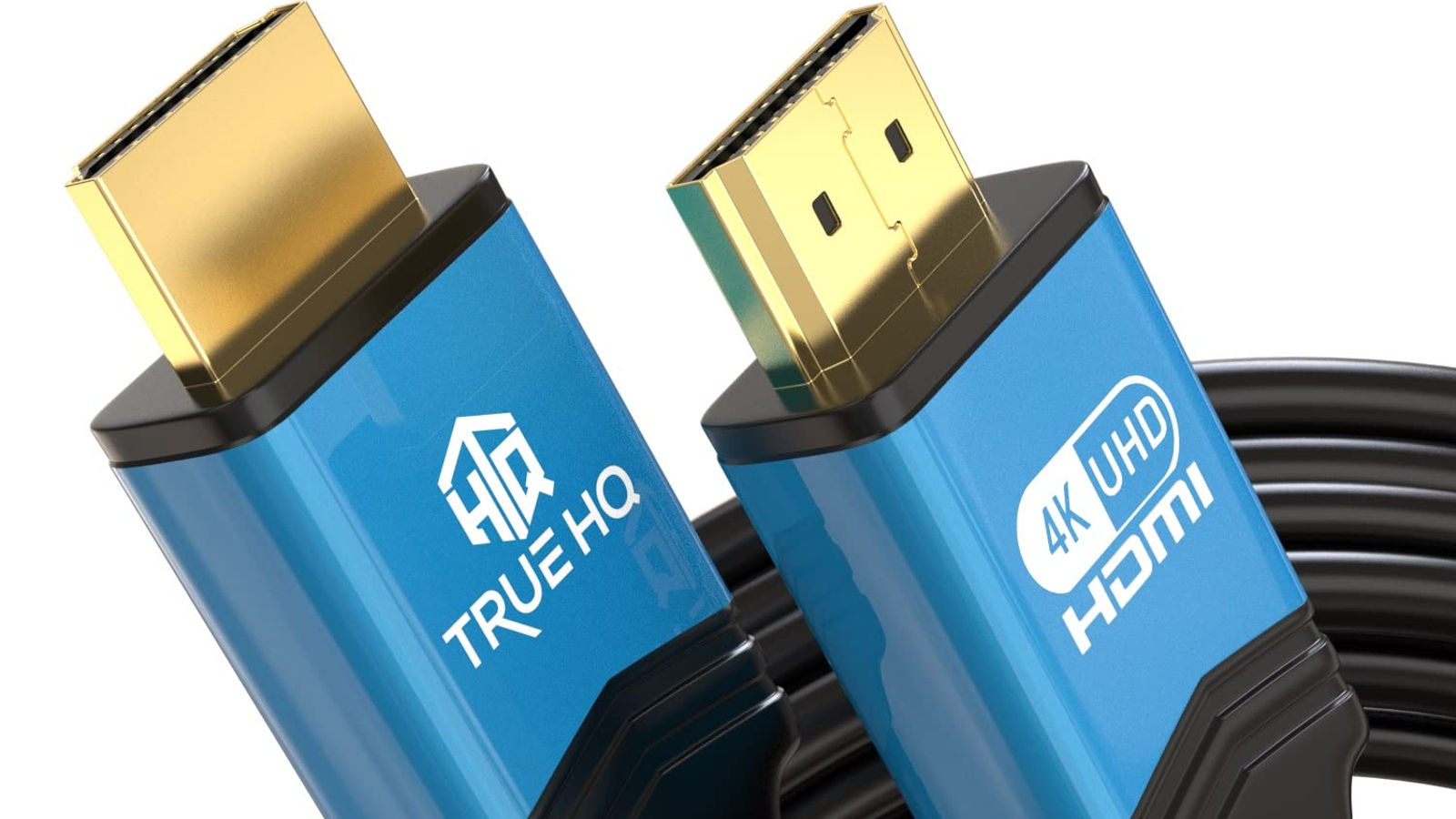
True HQ 20m HDMI Cable – Best HDMI 2.0 cable for long distances
Pros
- Up to 20m length
- Variety of lengths
Speed: 18Gbps
4K: Yes
Length: 2m, 3m, 4m, 5m, 6m, 7.5m, 10m, 12.5m, 15m, 20m
Some devices require longer cables, and this one from UK brand True HQ can reach up to a whopping 20m.
The length of the cable does mean that speeds are slightly lower than some rivals at 18Gbps. However, it is still capable of supporting 4K content at 60Hz—check your devices to see if you need higher speeds.
True HQ also provides a very generous 5-year extended warranty for your peace of mind. Sadly, this cable isn’t available in the US.
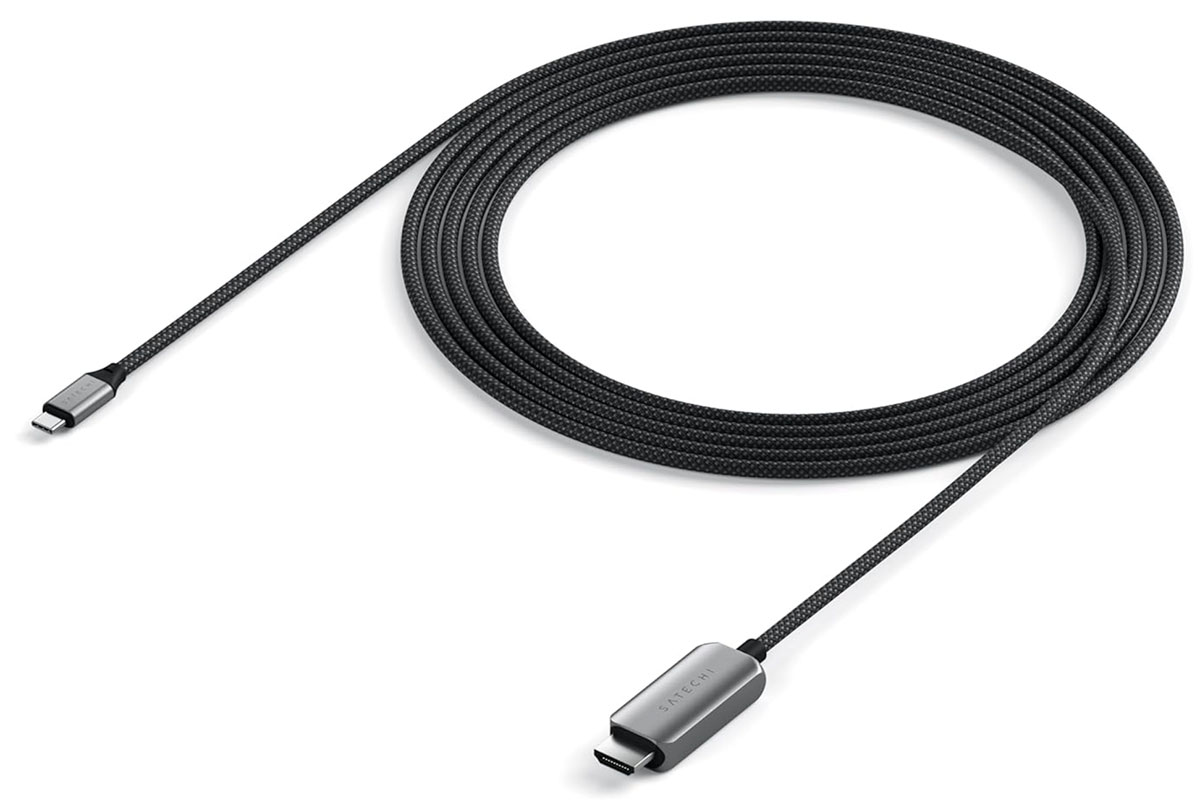
Satechi USB-C To HDMI 2.1 8K Cable – Best USB-C to HDMI cable for up to 8K PC monitor connections
Pros
- Up to 8K resolution
- Braided
Cons
- Only in 2m length
Speed: 48Gbps
4K/5K/6K/8K: Yes
Length: 2m
The Satechi USB-C to HDMI 2.1 8K Cable uses HDMI 2.1 technology that supports 4K/120Hz and 8K/60Hz video for ultra-high resolution and refresh rate—great for high-definition gaming and professional video editing.
You can buy cheaper for a 4K 60Hz cable, but this one is backwards compatible and offers higher resolutions when you might need them, so is a good future-proofing solution. It supports Thunderbolt 3 and 4 equipped computers.
Standard cables and adapters are mainly rated to support lower resolutions such as 4K and refresh rates capped at about 60Hz. Because this cable supports HDMI 2.1 protocol, it can reach double the bandwidth used for higher resolutions at up to 8K and refresh rates up to 120Hz/144Hz or even sometimes 500Hz if using a lower resolution such as 1080p. Standard cables that do not use HDMI 2.1 are limited in resolution and refresh rates.
Note that many Macs are effectively limited to 4K at 60Hz over USB C/Thunderbolt, so check the specs before paying extra for 8K or 120Hz.
UGreen USB-C to HDMI Cable – Best USB-C to HDMI 2.0 cable for up to 4K PC monitor connections
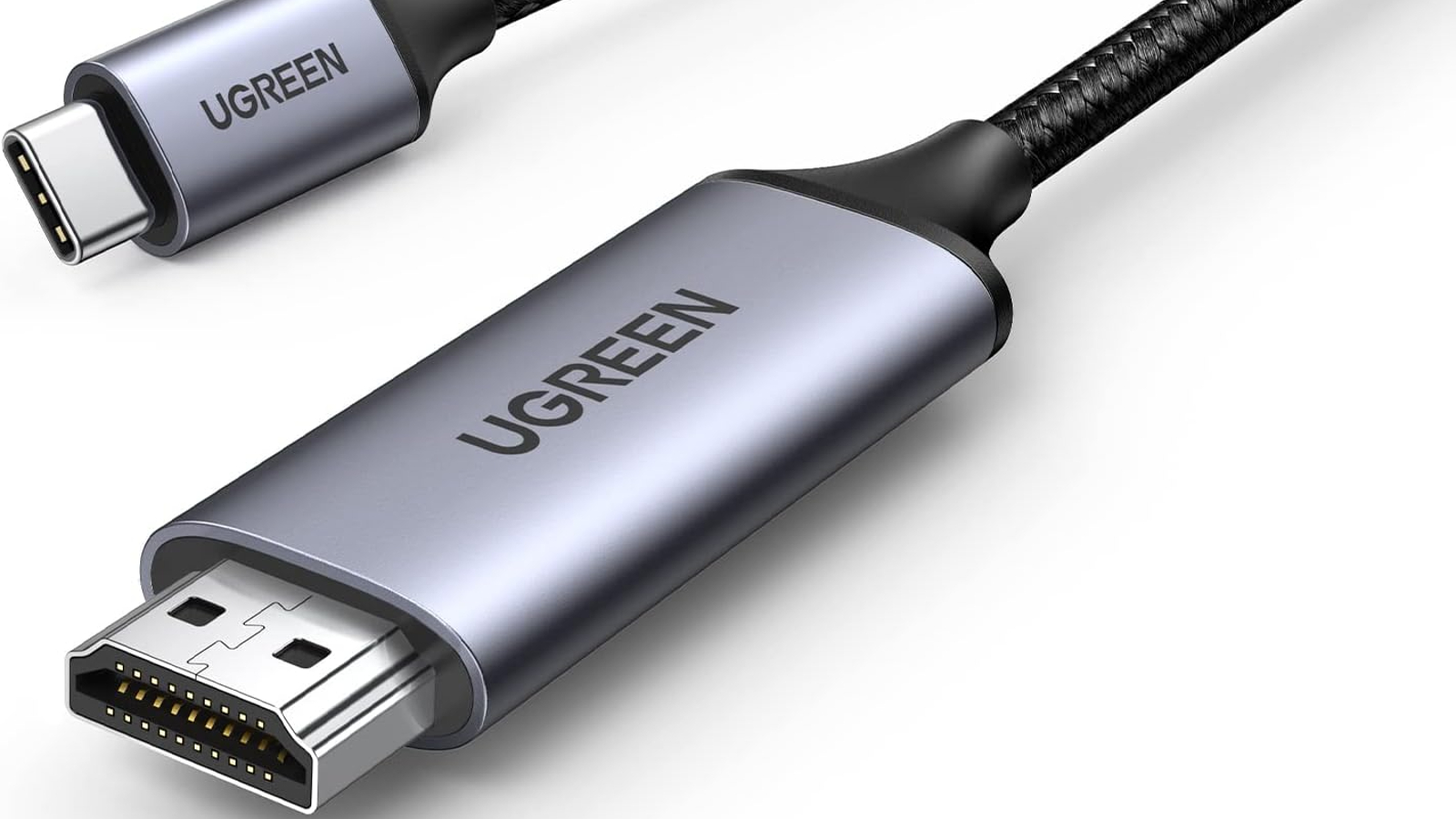
Speed: 18Gbps
4K: Yes
Length: 1m, 2m, 3m
This cable from UGreen is useful for working from home, as the USB-C end allows you to connect extra monitors, smartphones and tablets for a multi-screen set-up.
It comes with a braided nylon cable, which can allegedly withstand over 10,000 plug-ins and 10,000 bends. It can also provide 4K content at 60Hz, and 1440p at 120Hz.
UGreen also offers a HDMI cable with a microHDMI end, as well as a HDMI extender if you’re struggling to reach your device.
Startech.com USB-C to HDMI 8K Adapter Cable – Best USB-C to HDMI 2.1 cable for length options
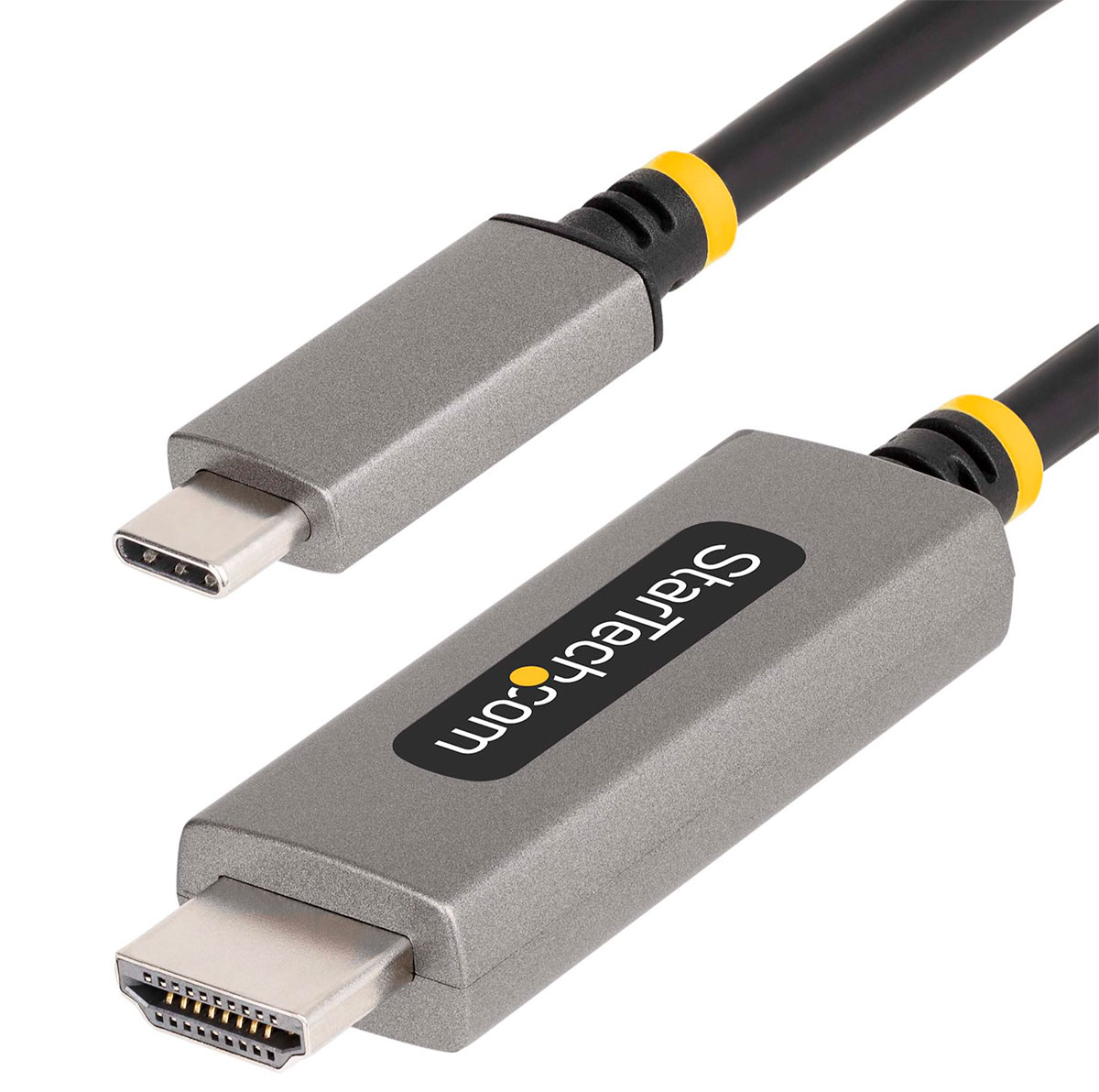
Pros
- Up to 8K resolution
- Multiple lengths
Speed: 48Gbps
4K/5K/6K/8K: Yes
Length: 1m, 2m, 3m
If you want shorter or longer USB-C to HDMI 2.1 cables, the Startech.com 8K range has three at 1m, 2m and 3m.
It supports Windows (USB-C and Thunderbolt) display options all the way to 8K at 60Hz, and also 4K at 144Hz.
HDMI cable buying advice
What design should I look for in a HDMI cable?
In terms of design, the main thing you should look for is that the cable head is slim – some TVs pack their HDMI sockets in pretty tightly, so avoid snazzy looking cables that might just block your other ports. You might also need a cable with a 90° connector at one end if there’s limited room behind your TV, for example.
What resolution and refresh rate should my HDMI cable support?
Video standards are continuing to change rapidly, with the recent rise of 4K and HDR already beginning to give way to 8K and beyond. Plus, refresh rates for game consoles are also beginning to go beyond the standard 60Hz, which requires yet more data to be transferred per second.
If you’re still using the HDMI cable that came with the TV you bought eight years ago, it might not work at all with a 4K video source like an Xbox Series X or an Ultra-HD Blu-ray player, and if it does work, it might introduce errors in the picture. The same is true (more so) for HDR.
Luckily, this is easy to test—just connect everything up with your cable and check if your TV gets a signal, recognises it as 4K and/or HDR, and displays it without any obvious problems. If it does, you’re good to go. If not, you’ll have to buy a new one.
What is HDMI 2.1?
Although we’ve talked about the standards, it’s worth knowing the version numbers actually apply to devices – TVs and video sources – and not the cables themselves. What really matters is the cable’s speed capacity – look out for anything rated for 18Gbps to keep up with 4K HDR, which should be just about any cable sold as ‘high speed’.
HDMI 2.1 cables support 48Gbps ‘ultra high speed’ which is intended to support 8K video (and up to 10K), but it’ll be a couple of years at least before there are widespread compatible devices.
However, there are features such as variable refresh rate and eARC as well as 4K video at 120Hz which also require an HDMI 2.1 cable. The PS5, Xbox Series X and certain LG 4K OLED TVs support HDMI 2.1, but you’ll only benefit from getting a cable that supports the latest standard if you have both a console and TV that support those features.
So unless you specifically need one, don’t pay extra for a 48Gbps cable right now.
You can read more about what HDMI is and what the ports are in our HDMI explainer article. And if you don’t even have enough HDMI ports on your TV, there is a way to add more.
Author: Hannah Cowton-Barnes, Entertainment Editor, Tech Advisor

As Tech Advisor's Entertainment Editor, Hannah is the resident expert in all things streaming, film and TV. Before joining Tech Advisor in 2019, she studied Theatre and Performance at the University of Leeds and created a website dedicated to geek culture and lifestyle. She's also reviewed a whole range of gadgets including flagship smartphones, wearables and styling tools. Outside of Foundry, she's written freelance pieces for Polygon, Metro and Den of Geek, and is proud to be a Women Techmakers Ambassador for Google.