

One UI 8: In summary
- Samsung’s next major Android skin for its Galaxy phones and tablets
- Based on Android 16 but with plenty of tweaks
- Debuted on Galaxy Z Fold 7, 7 Flip 7 and Z Flip FE
The rollout of One UI 7 wasn’t exactly smooth for Samsung, with several delays meaning it still isn’t available on all compatible devices.
However, attention has quickly shifted to a successor in the form of One UI 8. It’s based on Android 16, yet retains a very different look and feel to Google Pixel phones.
The major update brings plenty of new functionality to Samsung Galaxy phones and tablets, and it’s already available on the first few devices. If you’re wondering if your device is compatible, when you’ll get it and what upgrades to expect, we’ve got you covered.
When will my Samsung Galaxy phone get One UI 8?
In summary
- Final version debuted on Z Fold 7, Z Flip 7 and Z Flip 7 FE
- Beta is available for several Samsung phones, but not all
- Full rollout likely to take several months
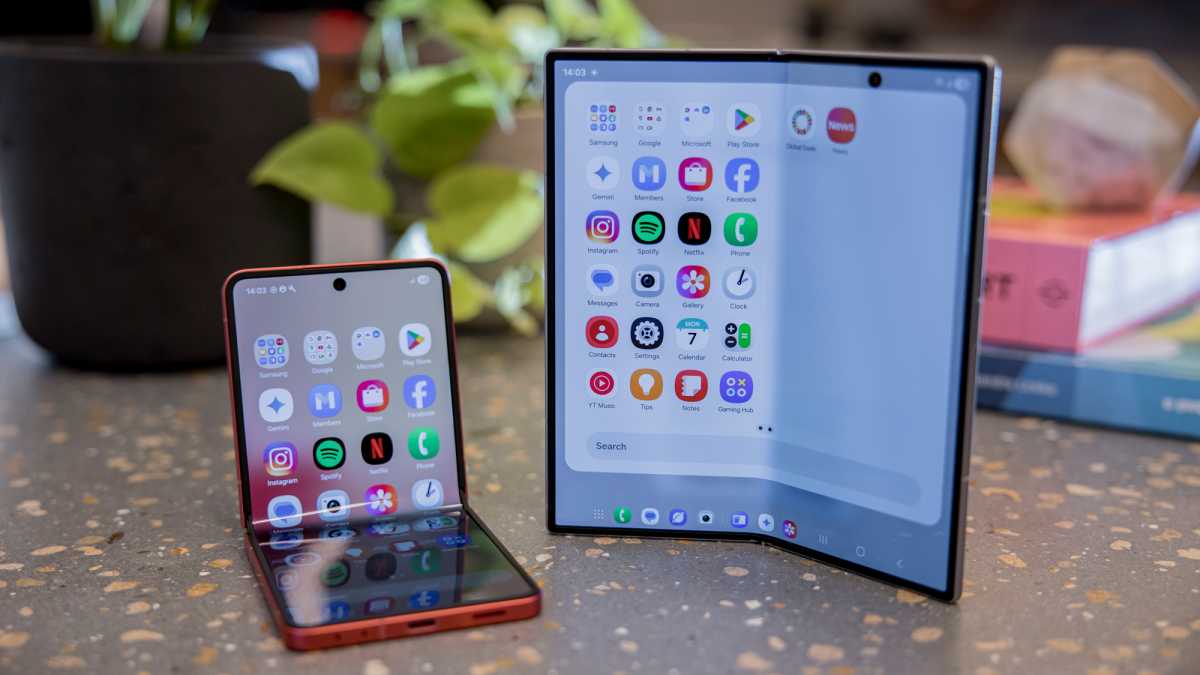
As we now know, the very first phones to launch with full-fat One UI 8 out of the box were the Samsung Galaxy Z Fold 7, Galaxy Z Flip 7 and the Galaxy Z Flip 7 FE (similarly, the Galaxy Watch 8 and Watch 8 Classic had One UI 8 Watch at launch).
If you don’t have one of Samsung’s latest foldable phones, however, the wait for One UI 8 can vary dramatically depending on the device you own.
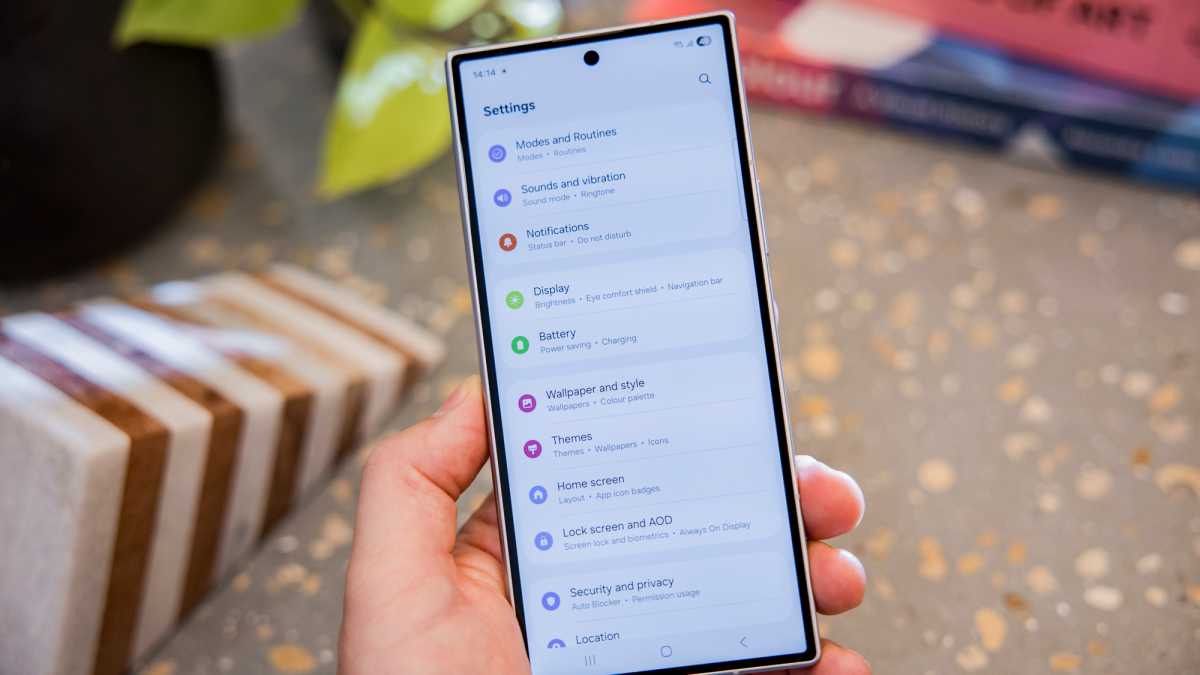
Of the non-foldable Samsung phones, the Galaxy S25 range was the first to gain access to the One UI 8 beta all the way back in May 2025, and several updates to that beta have been made available in the time since.
One of the most recent of those also brought the Samsung Galaxy Watch 7 into the fold, so users of older Samsung wearables won’t have to worry about being left out when it comes to One UI 8’s smartwatch equivalent.
In mid-July, a leak on Samsung’s servers revealed that testing had expanded to include the Galaxy Z Fold 4 and Z Flip 4, and while we don’t currently have a concrete date for when the beta will appear for those phones, it does mean that they’re likely to be included at some point.
Dominik Tomaszewski / Foundry
The first major One UI 8 beta rollout kicked off in the second week of August, with the following phones brought into the mix: the Galaxy S24 range, Galaxy Z Fold 6 and the Galaxy Z Flip 6.
During the same announcement, Samsung unveiled that the availability of the beta would expand even further in September, across the following devices: the Galaxy S23 range, Z Fold 5, Z Flip 5, Galaxy A36 5G, Galaxy A55 5G, Galaxy A35 5G and the Galaxy A54.
Off the back of that announcement, Samsung expanded access to the One UI 8 beta to Galaxy S23 users right at the beginning of September, so it can be downloaded right away if you’re signed up for the beta program that can be found within the Samsung Members app. The official release of One UI 8 is also scheduled for the same month, with the S25 range being the first phones to get the fully beta-tested version.
Given just how long the development of One UI 7 ended up being, which led to One UI 8 being brought forward, the latest rumour on the street now points towards the Galaxy S26 range as having One UI 8.5 from the jump. This mid-way update, before we eventually get to One UI 9, is rumoured to have many of the features that were initially intended to appear in One UI 8 but were held back over concerns that including them would result in more delays.
Sources: Android Authority | Tarun Vats via X (2) | Android Headlines | GSMArena | Samsung Newsroom | Sam Mobile
Which new features will One UI 8 have?
In summary
- Extra customisation options
- Improved animations and smoother visual effects
- New Galaxy AI features expected
Since One UI 8 is based on Android 16, many of the new features that Google has introduced have also made their way to One UI 8.
However, here are the extra features that Samsung has added.
New stock app features
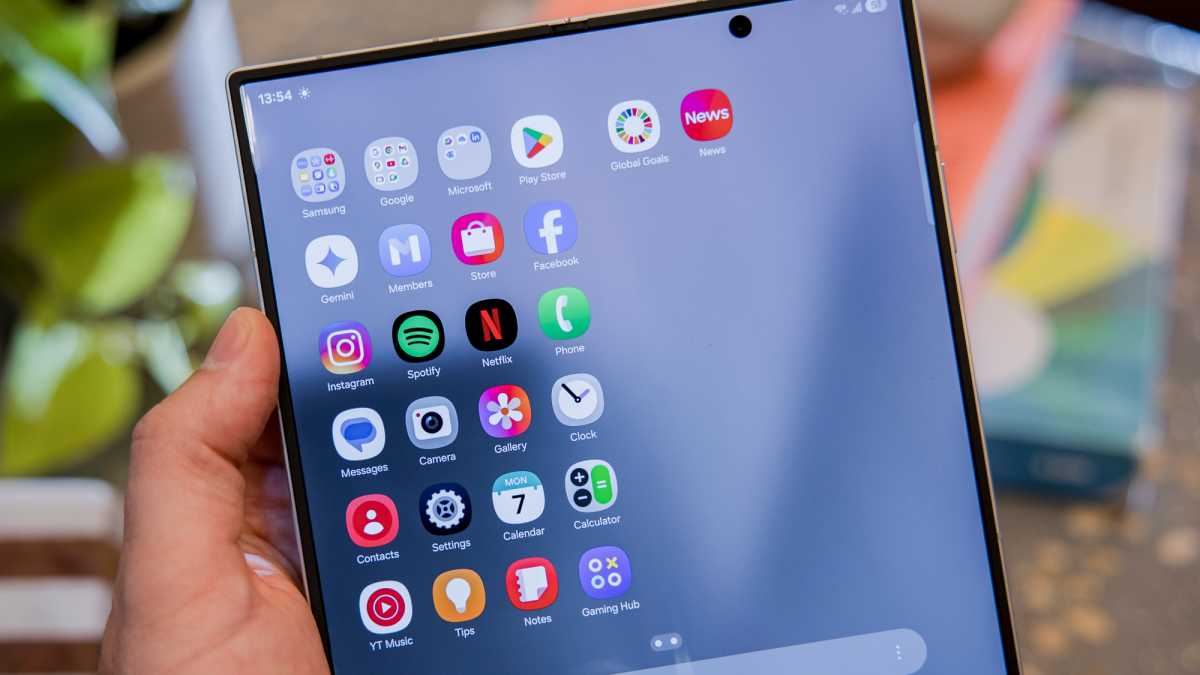
Samsung’s Gallery app now has a ‘Private’ option that’s separate from the others.
The ‘Categories’ section within My Files has been revamped, including new icons for each. The whole Reminders app has been given similar treatment, while Calendar gets dedicated tabs for ‘Event’ and ‘Reminder’.
Elsewhere, the ‘Battery Protection’ option in settings now has three modes: Basic, Maximum, or the default Adaptive.
Dominik Tomaszewski / Foundry
New Galaxy AI features
New AI features have been added in One UI 8, but they aren’t all available on all compatible devices.
For example, the ability to undock Browsing Assist from the bottom of the screen and display before and after photos side-by-side in Generative Edit are both exclusive to Galaxy Z Fold models.
Audio Eraser’s integration into Gallery, Notes and Voice Recorder is more widespread, with the option to recognise and remove unwanted sounds in real time or for previous recordings.
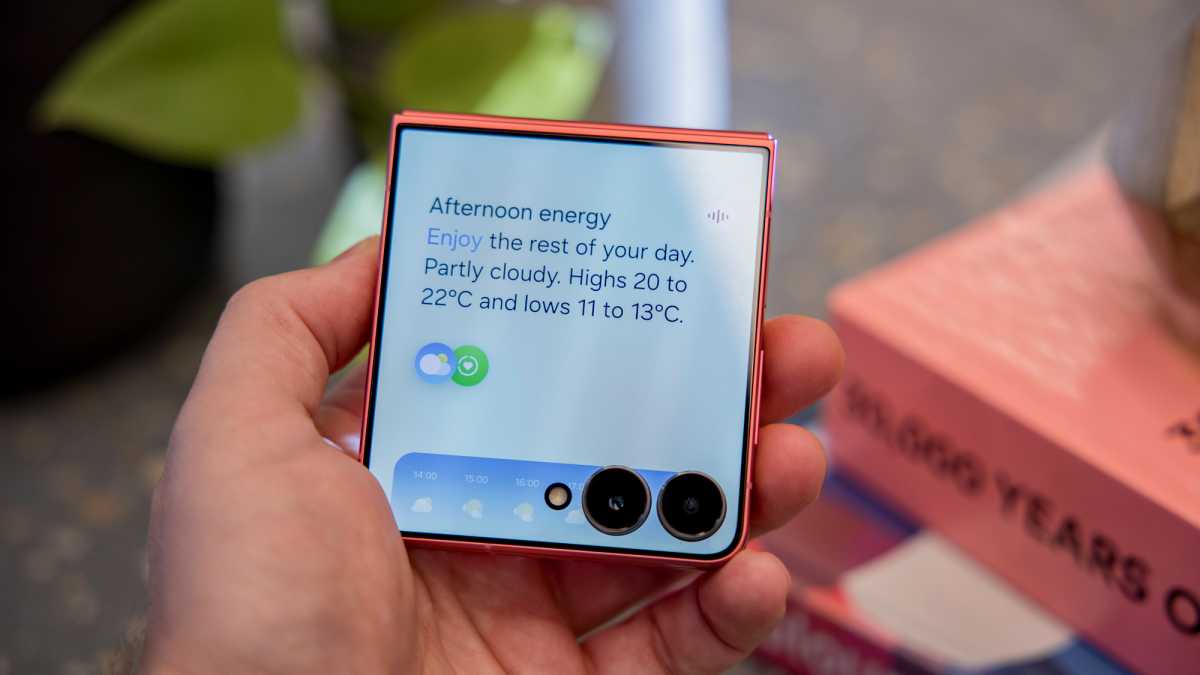
The Now Brief feature is also slightly more capable, with support for parking spot reminders, smart home gadgets and wearable battery alerts, and the ability to speak it out loud.
Dominik Tomaszewski / Foundry
Elsewhere, AI can also be used to scan the photos in the Gallery app and automatically suggest images that might be good to use as a wallpaper.
Small navigational improvements
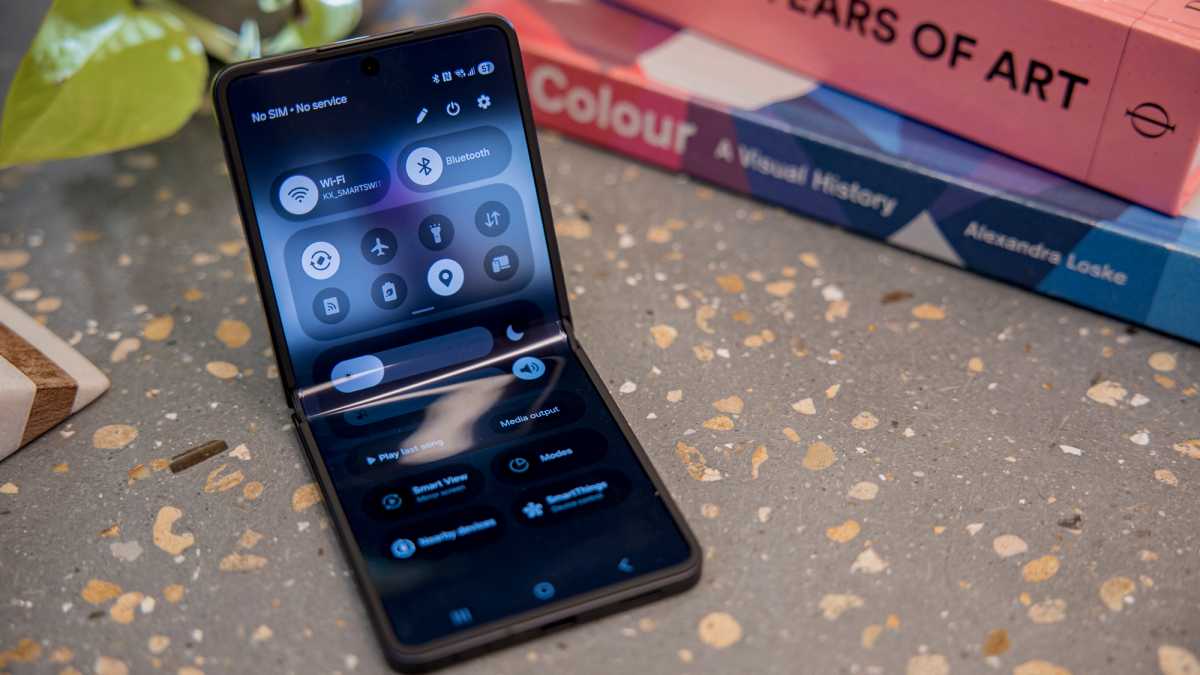
Within the Quick Panel in One UI 8 (accessed via a swipe down from the top-right of the screen), there’s now a border around each section – Wi-Fi, Bluetooth, other quick settings, volume and brightness, and other key buttons. It’s a subtle change, but one that should make it easier to navigate.
Dominik Tomaszewski / Foundry
Elsewhere, Back Swipe Preview means that when you swipe right from the left edge of the screen to go back, you’ll be shown a preview of what you’ll be returning to before you commit to it.
Quick Share app changes
Samsung’s Quick Share app allows you to easily share files with other Samsung devices, Android devices and Windows PCs.
Dominik Tomaszewski / Foundry
In One UI 8, Samsung has added dedicated new ‘Receive’ and ‘Send’ tabs to make navigation easier.
New calling features
Calls are also getting an upgrade in One UI 8. During one, Call Captions displays on-screen what the other person is saying in real time.
Dominik Tomaszewski / Foundry
Also, Real Time Text (RTT) lets you type out what you want to say during a call, and have it sent directly to the other person as soon as you type it – no need to hit send. It’s designed as an accessibility feature, but could be useful in a variety of situations.
Looking to buy a new One UI handset now? See our guide to the best Samsung Galaxy phones you can buy.
Author: Anyron Copeman, Mobile Editor, Tech Advisor

Anyron is Mobile Editor at Tech Advisor, where he’s been a mainstay of the editorial team since 2019. In his current role, Anyron is responsible for all smartphone, tablet and mobile network coverage on the site. A BA Journalism graduate, he has experience with a wide range of consumer tech products and services, including smartphones, tablets, foldables, wearables and more.