
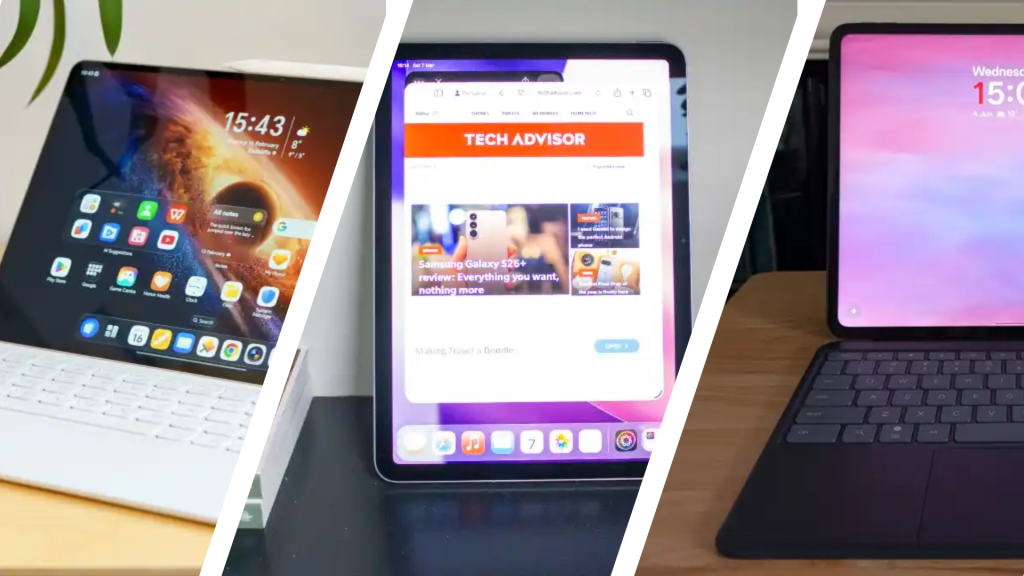

In 2026, the tablet has carved out an important niche, and unlike many phones, the latest models are bringing significant upgrades.
While dreams of it as a laptop replacement haven’t materialised for most people, they can still operate as a highly competent productivity device, with the most powerful slates offering plenty of power for desktop-grade apps.
Equally, sometimes a tablet just needs to be great for entertainment. And with a large screen, booming speakers and great performance, it’s something many devices excel at.
Regardless of what you’re looking for in a tablet, there’ll be something to suit you, which is where this article comes in. Our comprehensive guide takes you through each of the top 10 best tablets you can buy right now, plus expert buying advice at the bottom of the page.
Shopping on a strict budget? Our round-up of the best budget tablets is the article for you, but we do have some affordable options here.
Best tablet reviews
1. Honor MagicPad 4 – Best Overall
Pros
- Slim, lightweight body
- Beautiful OLED screen
- Superb performance
- Speedy charging
Cons
- Cluttered UI
- Limited update promise
- Accessories aren’t the best

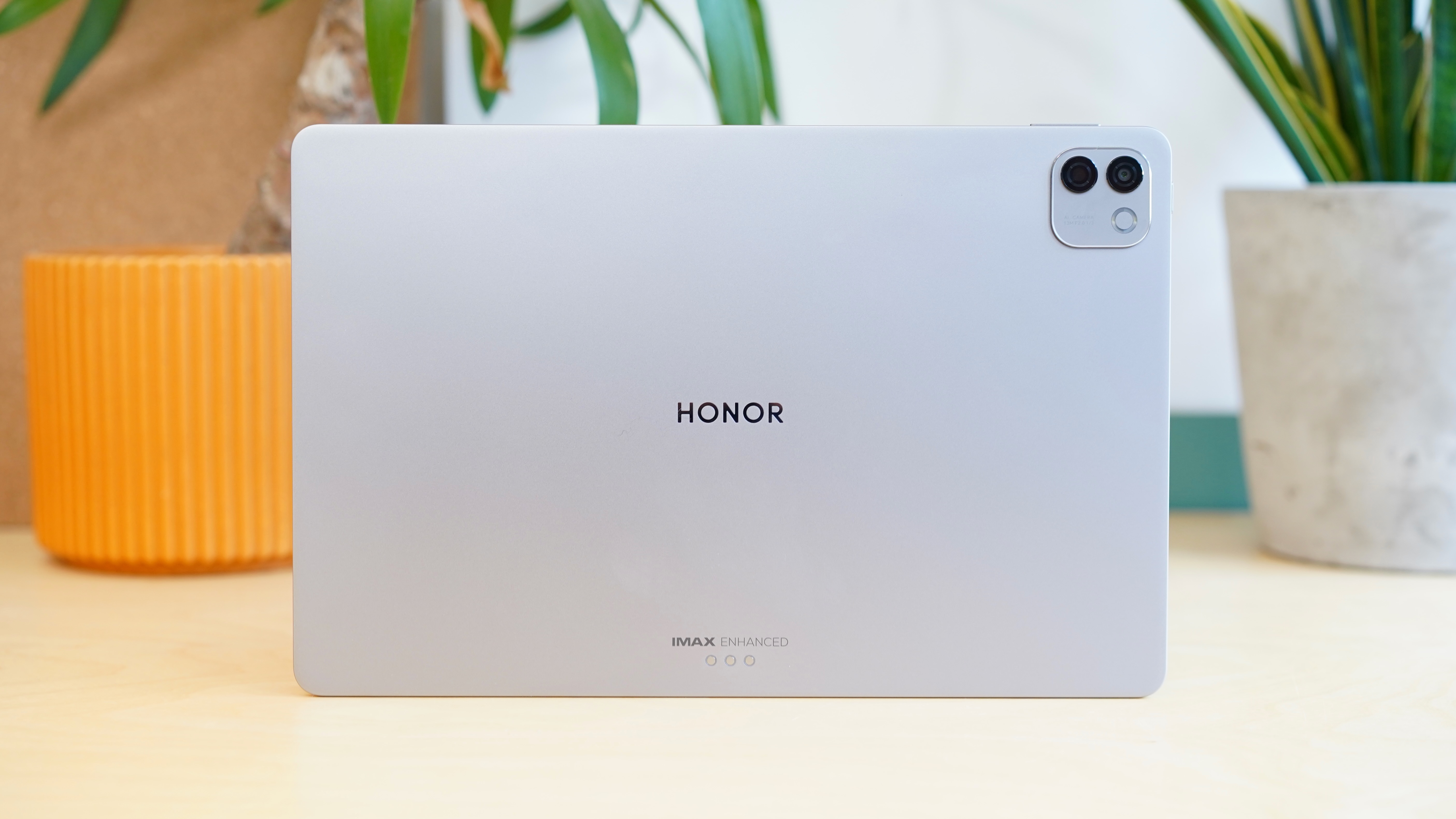
If ever you needed proof that Honor is actively listening to feedback on its latest devices, look no further than the MagicPad 4. Even though the Honor MagicPad 3 was a great tablet and a solid alternative to the OnePlus Pad 3, the removal of an OLED screen felt odd, but the company has reinstated the more eye-catching panel in its successor.
Now we have a jaw-dropping 12.3-inch OLED display with a super-fast 165Hz refresh rate and a solid 2400 nits of peak brightness to boot. For both entertainment and productivity, the MagicPad 4’s display offers everything you could want, but the fact that this improved screen tech now comes in a slimmer device that’s only 4.8mm thin needs to be seen to be believed.
Anyone in need of a tablet for work should seriously consider the MagicPad 4 as the Snapdragon 8 Gen 5 chipset provides great everyday performance that’s largely on par with the Snapdragon 8 Elite CPU. The built-in PC Mode also lets you have tons of windowed apps open at one time and you can resize/move them as you see fit, recreating the feeling of using a traditional desktop or laptop.
It all works incredibly well, but just like with other Honor tablets before it, we wish the MagicPad 4 didn’t have quite so much bloatware, given that it is a fairly pricey product. You’re also only getting at least three years of software updates, which means the MagicPad 4 isn’t as futureproof as something like the iPad Air, so you’ll have to weigh up whether you’re happy with having premium specs in exchange for longevity.
Who should buy the Honor MagicPad 4?
Professionals in need of a tablet for both work and entertainment.
Honor MagicPad 4: Further considerations
iPads and Galaxy Tabs offer better value with longer software support.
Read our full Honor MagicPad 4 review
2. Apple iPad Air (2026) – Best iPad
Pros
- Familiar, premium build quality and slim design
- Excellent performance and battery life
- Extra RAM allows for more demanding tasks
- Connectivity upgrades ensure future-proofing
Cons
- Still no Face ID
- 60Hz LCD panel remains unchanged
- Slow charging with no brick included
- Accessories sold separately (and they’re pricey)
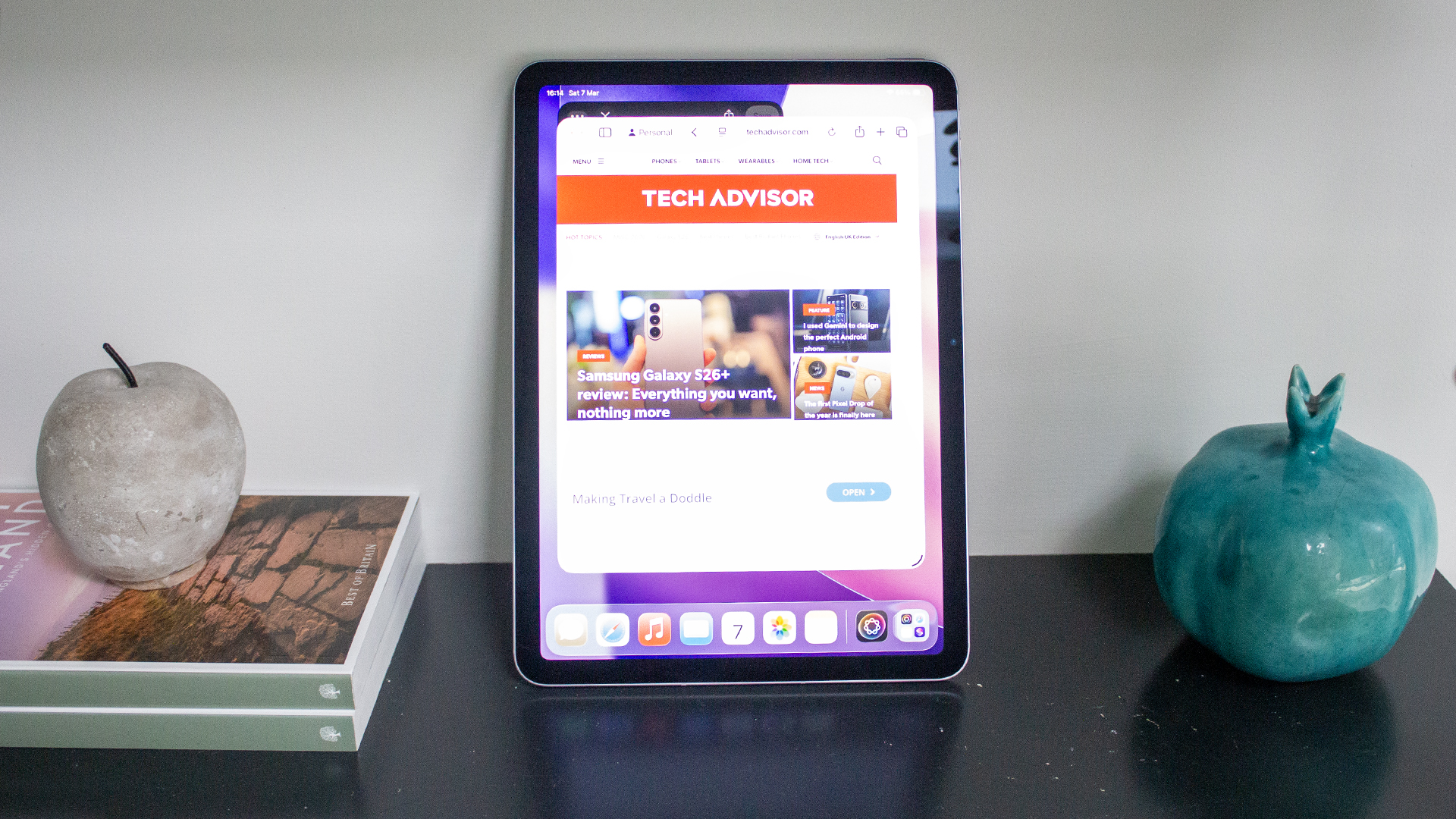
Ever since its move to using Apple’s M-series chipsets, the iPad Air has had such a comfortable lead over the competition that Apple doesn’t have to change too much with each iteration to stay on top, and that’s largely the case with the M4-toting iPad Air for 2026. Don’t get us wrong, this is easily the best Apple tablet to buy right now, but it’s not an essential upgrade for anyone already using the last two generations of iPad Air.
On this newer iPad Air, not only are you getting the unbelievable grunt of the M4 chip, but it also has an expanded 12GB RAM to lean on as you juggle more heavy-duty tasks such as gaming or video editing on the go. It’s exactly why the iPad Air is the best option for most Apple enthusiasts, as it’s more conducive for productivity than the entry-level iPad (A16), but it costs nowhere near as much as the iPad Pro.
Apple has made a few more under-the-hood tweaks that are appreciated, all thanks to the more powerful N1 networking chip. With the N1 in tow, the latest iPad Air benefits from faster Wi-Fi 7 and Bluetooth 6 connectivity, so you can enjoy quicker download/upload speeds and sturdier connections with Bluetooth-enabled accessories.
Even with all of that power on offer, there’s a frustrating lack of upgrades elsewhere – starting with the ongoing lack of Face ID. The 60Hz LCD panel is massively outdated compared to what Honor and Samsung are providing with their tablets at around the same price. Charging is also still tediously slow, too.
Still, even with those drawbacks, the brilliance of iPadOS working in conjunction with the M4 chip just can’t really be matched for the user experience, and you get years of software updates to come, which can’t always be said of the competition.
Who should buy the iPad Air (2026)?
Apple fans after the perfect middle-ground between price and power.
iPad Air (2026): Further considerations
The older display tech makes the tablet less suited for entertainment compared to other options. You might find the M3 model at a tempting price.
Read our full Apple iPad Air 11-inch (M4, 2026) review
3. Xiaomi Pad 7 – Best Value
Pros
- Premium build
- Excellent screen
- Solid performance
- Range of accessories
Cons
- No fingerprint scanner
- Mediocre AI implementation
- Not available in the US
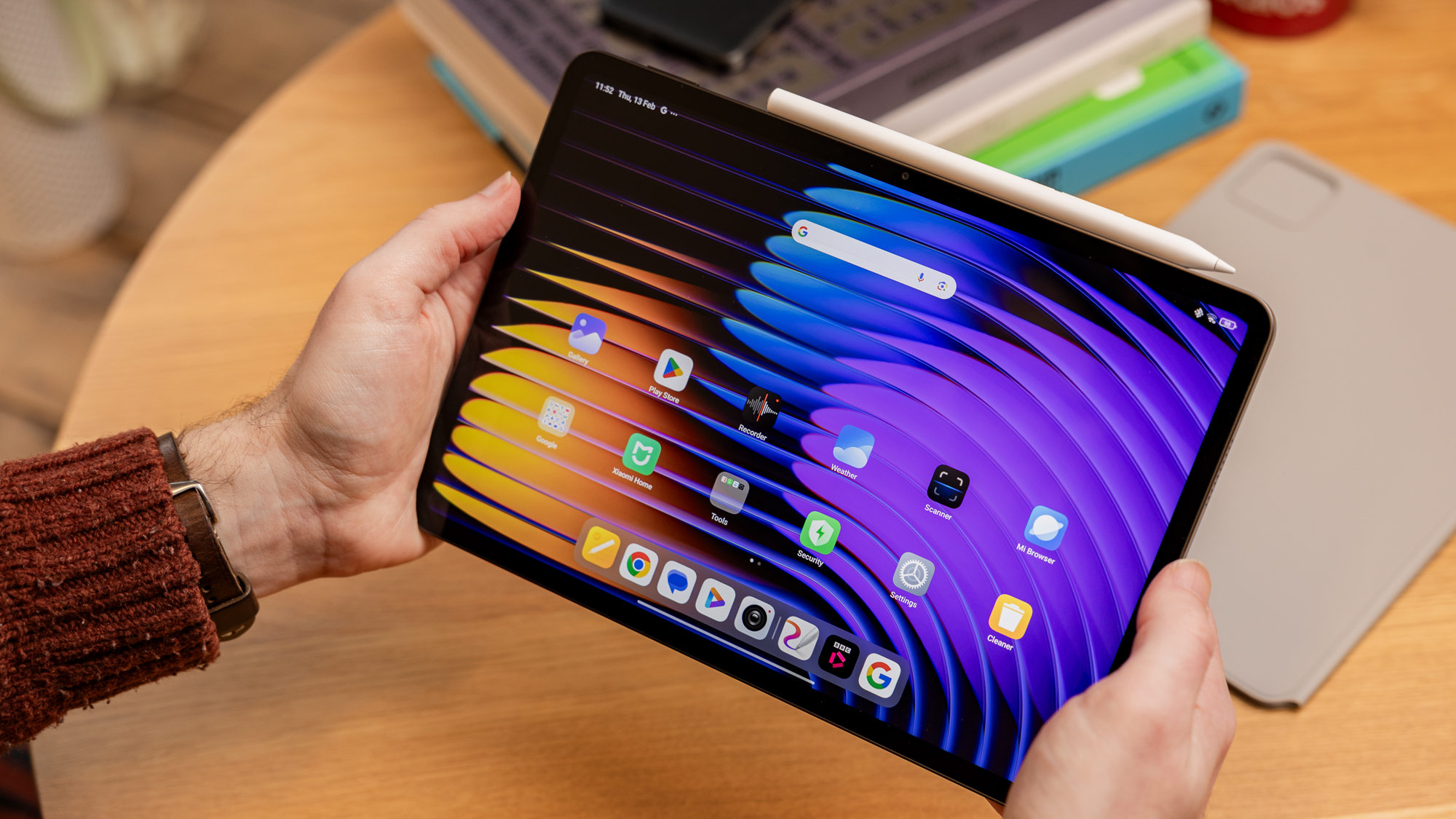
Don’t want to pay high-end prices but still want a premium tablet? Go for the Xiaomi Pad 7 – you won’t be disappointed.
For just £369 at launch (sadly unavailable in the US), you can get a high-end build, gorgeous 11-inch display and strong performance from the Snapdragon 870 chipset. Throw in solid battery life and decent charging speeds, and Xiaomi is onto a winner.
While no accessories are included in the price, the keyboard cases (two to choose from) and Focus Pen stylus are all very impressive, too.
A rather patchy software experience from Xiaomi’s HyperOS Android skin remains the big compromise, though it’s still very usable. You’ll also have to make do without a fingerprint scanner, but that’s easy to look beyond at this price
Overall, the Xiaomi Pad 7 offers a compelling, premium tablet experience for less than half the price of many rivals, making it a great buy.
Who should buy the Xiaomi Pad 7?
You want the most bang for your buck and don’t mind getting to grips with Xiaomi software.
Xiaomi Pad 7: Further Considerations
You do need to factor in the accessory prices if you want the best experience the Pad 7 has to offer. The Xiaomi Pad 8 series is now here and we’ll have reviews soon.
Read our full
Xiaomi Pad 7 review
4. Apple iPad (2025) – Best Value iPad
Pros
- Great performance for the basics
- Lovely and lightweight design
- Good battery life
- Double the storage of the predecessor
Cons
- No anti-reflective display
- Slow charging
- Accessories not included
- Doesn’t work with Apple Pencil Pro
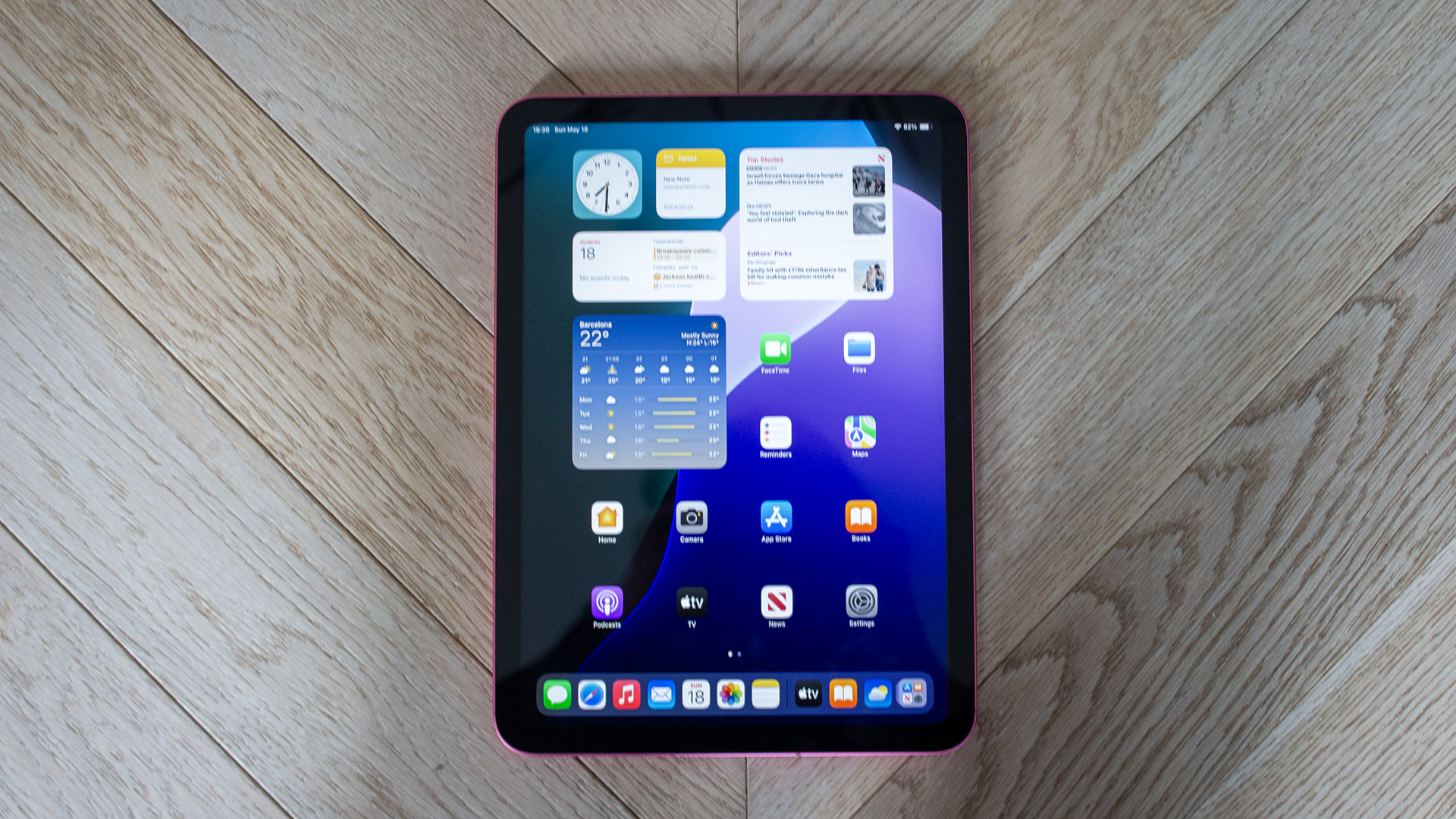
Even though there’s plenty to be gained by spending a bit more to nab the iPad Air or the iPad Pro, it’s incredible to see just how much value the base-level iPad A16 is able to bring to the table.
For starters, when it comes to the core iPadOS experience, you’re still getting access to the same great multitasking software iPad is known for, alongside top-tier apps that make it great not just for streaming and gaming, but also a spot of productivity (especially if you bring a keyboard into the mix).
The new A16 chip also means that you’re getting a decent processing bump over the previous entry-level iPad, although it’s far from the lightning-fast speeds that you’ll find on M-series iPads. Plus, the iPad A16 is now the only tablet in Apple’s range that doesn’t support Apple Intelligence.
Still, Apple has finally done away with the 64GB model, having 128GB storage set as the standard and with no price increase as a result. As a means of getting into Apple’s tablet ecosystem without spending a small fortune, the iPad A16 just can’t be beaten.
Who should buy the iPad (2025)?
Anyone who wants to experience the joy of iPadOS but doesn’t need the M-series power of more pricier iPads.
iPad (2025): Further Considerations
Things can get expensive when you factor in accessories, which is why Xiaomi tablets tend to be better value overall.
Read our full Apple iPad (A16) review
5. Xiaomi Redmi Pad 2 – Best Budget
Pros
- Sleek design
- Decent screen
- Excellent quad speakers
- Solid battery life
Cons
- Slow charging
- Basic cameras
- Software quirks
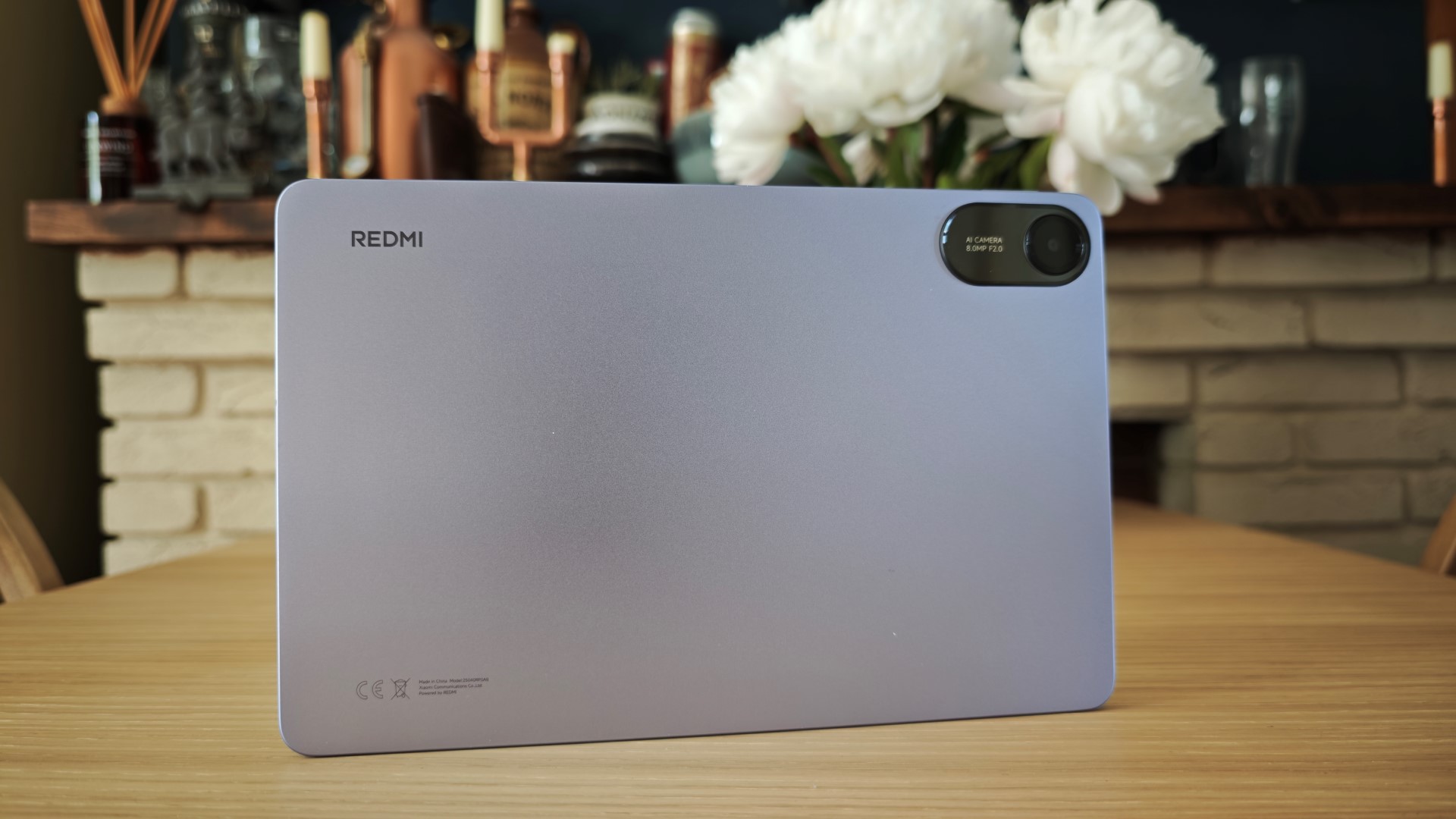
The Redmi Pad 2 is one of those Android tablets that proves Apple doesn’t really stand a chance when it comes to the true budget end of the market. At just £169, the Pad 2 is almost half the price of the entry-level iPad, but it has a few features that you won’t find on Apple’s cheapest tablet.
For example, in spite of its affordability, there’s a massive 11-inch LCD panel here that isn’t just great for watching films and TV shows, its 90Hz refresh rate also makes gaming and scrolling through social media feel effortlessly smooth.
Even the build quality manages to outshine the Pad 2’s price tag, with a sleek aluminium frame that’s not just comfortable to hold, it’s also lightweight for carrying around in a bag, clocking in at a reasonable 510g.
There is a trade-off to be had with fairly slow charging speeds and no shortage of bloatware when you first power it up, but it’s an understandable compromise given all that you get here for the money. As far as we’re concerned, there isn’t a better budget tablet right now, despite plenty of competition from the likes of the Galaxy Tab A9 series.
Who should buy the Redmi Pad 2?
Budget-conscious buyers who are determined not to spend more than a couple of hundred.
Redmi Pad 2: Further Considerations
The overall software experience can be more refined if you’re ready to spend a little extra at the checkout.
Read our full Redmi Pad 2 review
6. OnePlus Pad 3 – Best Battery & Charging
Pros
- Big and beautiful display
- Brilliant performance
- Superb battery life
- Premium design
- Useful multitasking features
Cons
- Only 3 years of OS updates
- Keyboard cover needs work
- No IP water or dust resistance
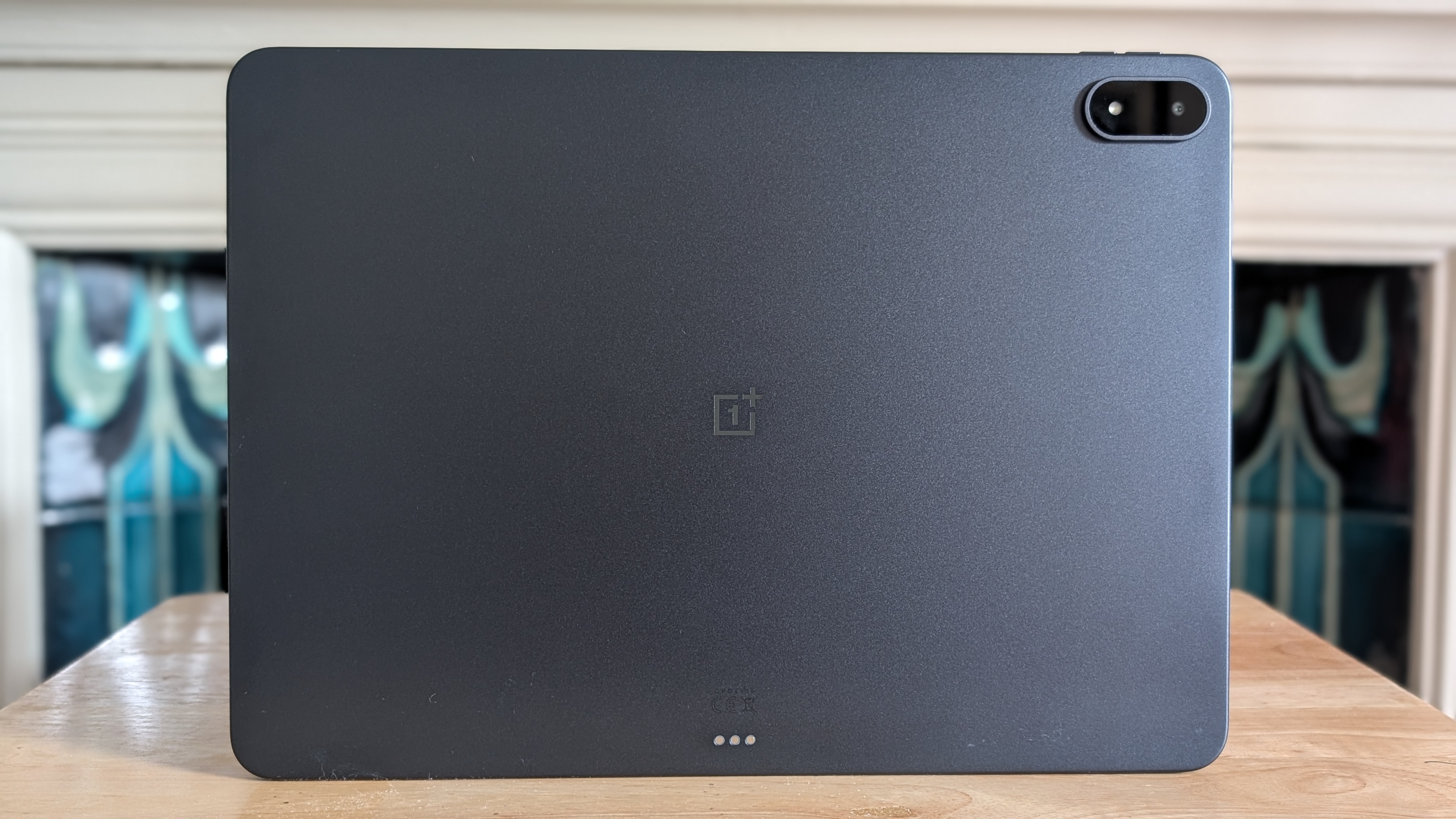
OnePlus has gradually been improving its tablet offering ever since the original OnePlus Pad, but now it feels as though the company has truly hit its stride with its third-gen tablet that takes multitasking to a whole new level.
Originally available on the OnePlus Open, the company’s Open Canvas software arguably feels more at home on the Pad 3 as you can have up to three apps open at a time (even more if one is in windowed mode). This just makes the tablet great for those who are constantly on the go but want to get work done on a device that’s slimmer and more portable than a laptop.
What helps to keep things feeling smooth is the Snapdragon 8 Elite chipset, which can handle everything from on-device gaming to AI processing with ease. In our time testing the device, there was never really a moment when it buckled under pressure.
What’s arguably even more impressive is that, in spite of all the multitasking that the OnePlus Pad 3 is able to achieve, the battery life never falls short as a result. With a 12,140mAh cell under the hood, we were able to get through a full working day and still have more than 50% left in the tank.
Who should buy the OnePlus Pad 3?
Anyone who loves to use a tablet for productivity. It’s just unbeaten when it comes to multitasking.
OnePlus Pad 3: Further Considerations
Android just isn’t as well optimised for tablets as what you’ll find on iPadOS.
Read our full OnePlus Pad 3 review
7. Apple iPad Pro (M5) – Best for Creatives
Pros
- Stunning display
- Superb performance
- Gorgeous slim and lightweight design
- Fast charging
Cons
- Very expensive
- Nano-texture coating only available on some models
- Accessories not included
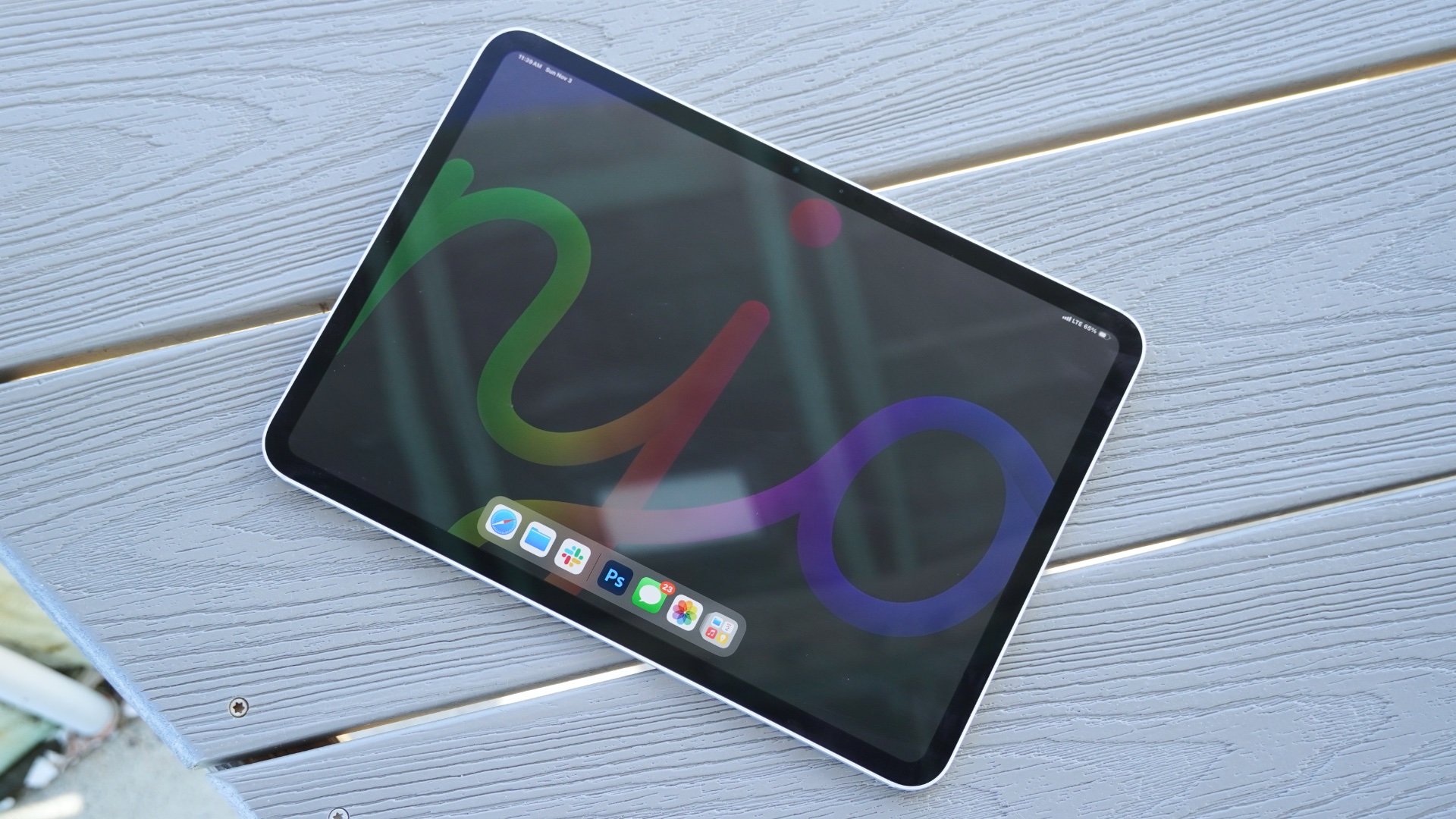
If you want the absolute best tablet money can buy, it’s probably the latest iPad Pro. But for most people, the upgrade compared to the iPad Air isn’t enough to justify the higher price tag.
Like the Air, the Pro is also available in 11- and 13-inch sizes. However, it’s the move to OLED that sets the screens apart, delivering incredibly vibrant colours and deep blacks.
You also get Apple’s M5 chip, which delivers better performance than the vast majority of laptops. When combined with the Magic Keyboard and/or Apple Pencil (both sold separately), it’s a brilliant tablet for creatives.
But is that you? If not, you’ll probably be just as happy with the Air or a MacBook if productivity is your top priority. At this price, it’s simply not worth it for most people.
However, for the right person, the iPad Pro is a stellar tablet.
Who should buy the Apple iPad Pro (M5)?
Power-users who need the absolute best tablet performance and are willing to pay for it.
Apple iPad Pro 11-inch (M5): Further Considerations
The M3-toting iPad Air has enough power for most people, and it’s nearly half the price.
Read our full Apple iPad Pro 11-inch (M5, 2025) review
8. Samsung Galaxy Tab S11 Ultra – Best Large Tablet
Pros
- Stunning display
- Great performance
- Clever front camera setup
- Good accessories
Cons
- It’s too big to use without a keyboard or stand
- S Pen is less capable than before
- Astronomical price
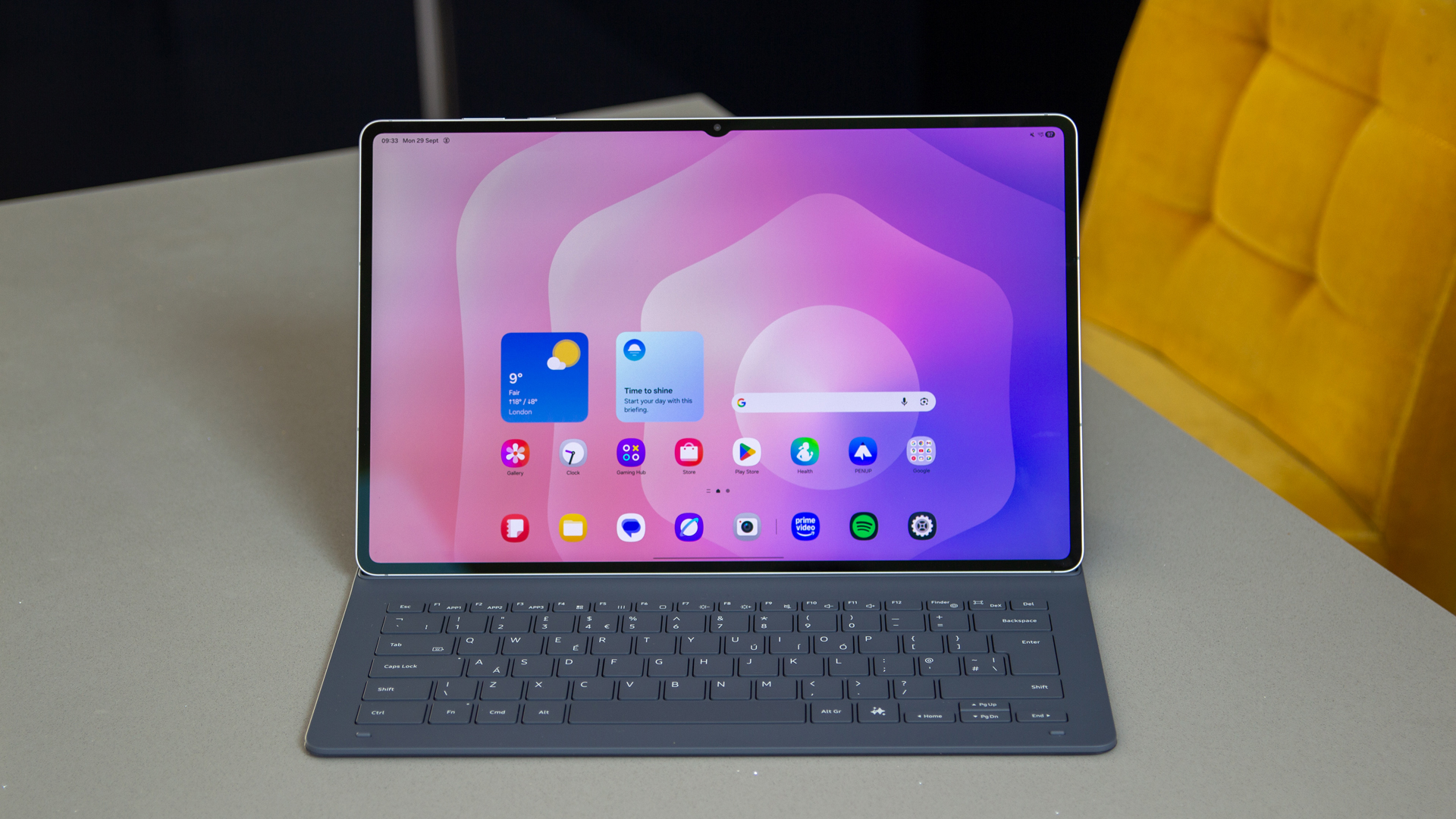
When it comes to truly flagship-level tablets, you only really have two options: the latest iPad Pro or the Samsung Galaxy Tab S11 Ultra. Within the Android space at least, Samsung’s latest top-tier tablet is hosting a party of one as it absolutely trumps all other tablets in terms of specs and raw power, not to mention in price as well.
With a 14.6-inch 2.9K AMOLED display, the Tab S11 Ultra feels a lot more like a dedicated laptop than a tablet, and that sentiment only doubles down when you bring a keyboard into the mix. Still, having that larger display is also great for digital artists who want plenty of space to scrawl with the included S Pen stylus.
The MediaTek Dimensity 9400+ chipset which can be found within this tablet is nothing short of a total powerhouse. In our tests, the tablet could zip between demanding apps like it was nothing, and if you’re the type of user who wants a tablet that works equally well for productivity and entertainment, then you’ll feel right at home with what Samsung has put together.
The only big hurdle to all of this is the price. With a starting RRP of £1199/$1199, the Tab S11 Ultra is anything but affordable, so it’s worth having a think about whether or not you’ll truly make use of all of its features to justify the expense. If you’re happy to plough ahead then rest assured that there isn’t really another Android tablet out there right now that can match Samsung’s flagship.
Who should buy the Samsung Galaxy Tab S11 Ultra?
High-end users who want zero compromise on specs and flagship features.
Samsung Galaxy Tab S11 Ultra: Further considerations
The high asking price will be an immediate turn-off for some.
Read our full Samsung Galaxy Tab S11 Ultra review
9. Honor Pad V9 – Great Affordable Option
Pros
- Gorgeous display
- Great speakers
- Premium design
- Solid performance
Cons
- Disappointing cameras
- Unconfirmed software updates
- Not available in the US
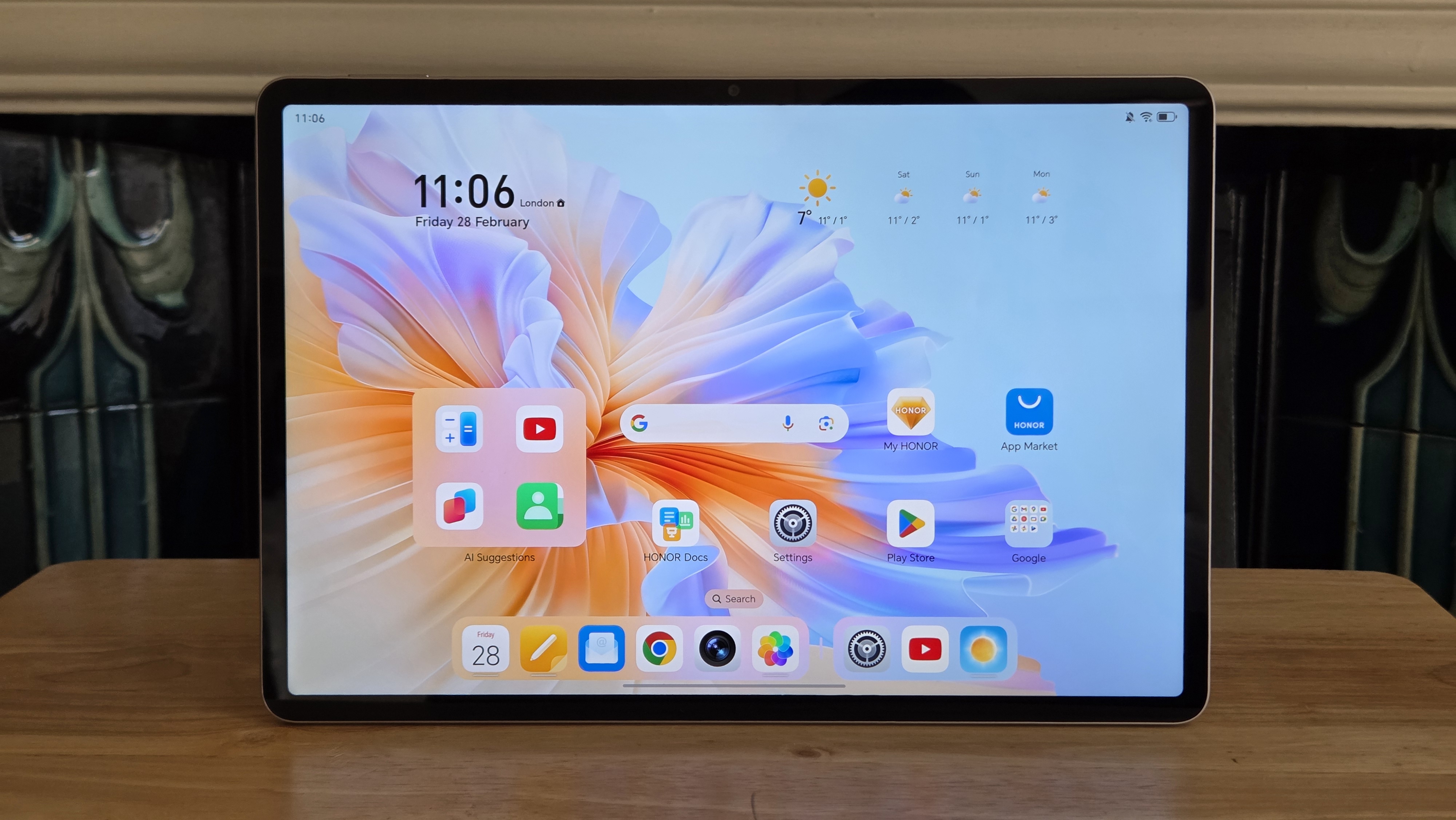
The Honor Pad V9 is a rare case of a mid-range tablet that has almost no compromises. Unless you need strong cameras or long-term software support, the Pad V9 ticks pretty much all the boxes.
We’re talking a stunning 11.5-inch display and an impressive eight-speaker setup, which combine for a great experience while watching movies and TV. A premium yet lightweight design means you can take it most places with you, especially with superb battery life.
Elsewhere, MediaTek’s Dimensity 8350 Elite delivers great performance, and Honor’s MagicOS skin over Android offers a slick, intuitive user experience. If only we knew how long it’d be supported with updates, or how promptly we might get Android 16.
But even without that, the Honor Pad V9 is easy to recommend in any country where it’s available. Sadly, that doesn’t include the US.
Who should buy the Honor Pad V9?
Those who want a great tablet for entertainment, but with an affordable price tag.
Honor Pad V9: Further Consideration
It just can’t match the regular iPad when it comes to long-term software support.
Read our full
Honor Pad V9 review
Read our full Honor Pad V9 review
10. Apple iPad mini (2024) – Most Compact
Pros
- Excellent build quality
- Compact and light
- Class-leading performance
- Feature-rich
Cons
- Expensive
- Slow charging
- 60Hz refresh rate
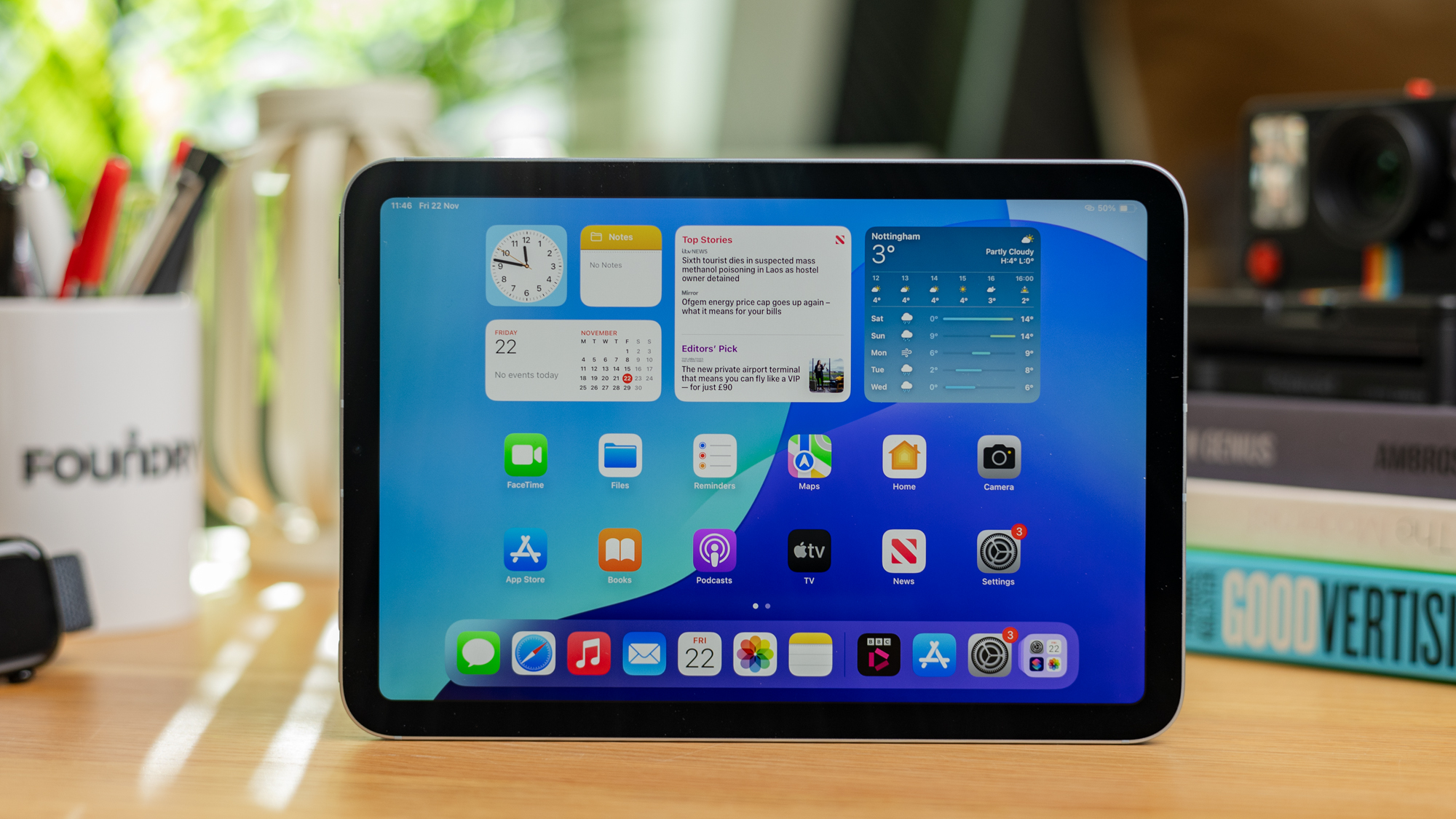
If you’re in the market for a small tablet, there’s still no better option than the iPad mini 7. This latest 2024 model offers the familiar iPad experience we’ve grown accustomed to in a device with a compact 8.3-inch panel.
The LED display itself is good, but nothing remarkable, offering a 1440p resolution but sticking at a 60Hz refresh rate. But it excels elsewhere, with superb performance from Apple’s A17 Pro chipset, brilliant build quality and the best tablet software around in iPadOS, especially with Apple Intelligence support now.
Unlike most Apple devices, the iPad mini doesn’t include Face ID, persisting with Touch ID built into the power button. The bezels are also very chunky and charging is slow, though solid battery life helps soften the blow.
Ultimately, the iPad mini is only suitable for people who want a small tablet with a lot of power. If that’s you, this is the best option on the market.
Who should buy the Apple iPad mini (2024)?
Someone who wants a super portable tablet with a high-end software experience.
Apple iPad mini (2024): Further Consideration
The standard iPad (2025) has a larger display and is also cheaper if size isn’t paramount.
Read our full Apple iPad mini (A17 Pro) review
Other tablets tested
Even though the tablets featured in this article are our current picks for the absolute best you can buy, there are still plenty of others that almost made the cut.
If you’re someone who has their sights set solely on an iPad but you’re somewhat put off by the relatively high prices that Apple charges, then the one thing we always recommend is to check out previous-generation iPads that are still being supported but are now available for just a fraction of their original price.
Entry-level iPads released after 2020, for example, are able to enjoy all of the benefits that Apple’s latest software (iPadOS 26) brings to the table. This includes a multi-window app interface that more closely mimics the experience of using a MacBook, plus they boast access to some of Apple’s best in-house apps such as Apple News, Apple Music and more.
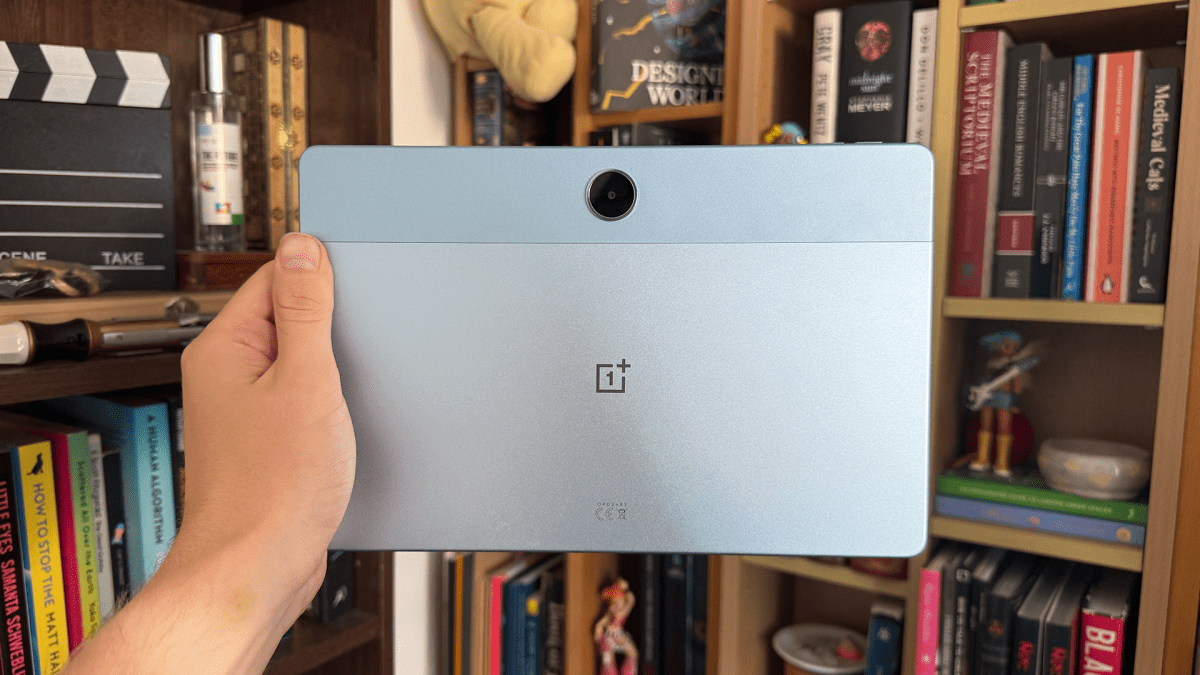
If you’re after another great budget tablet, you might want to give the OnePlus Pad Lite (shown below) a look. It just missed the mark due to its speaker placement and its screen being just a tad dimmer than we would have liked it to be, but between OxygenOS, solid battery life and a slick 90Hz refresh rate, it’s something of a bargain at its £199 price tag, though it’s sadly not available in the US.
Adam Smith / Foundry
In terms of picking up a once premium tablet but at a reduced price, the Honor MagicPad 3 can be found at a discount now that its successor has arrived on the scene (ranked above). This is still a great tablet with a large, bright display and solid everyday power that makes it ideal for productivity, especially when you bring some of Honor’s official accessories into the mix.
Eagle-eyed readers may have already noticed the absence of the regular Samsung Galaxy Tab S11 on this list, but that certainly does not mean that it’s a bad tablet – far from it. With a luscious 11-inch 120Hz AMOLED display that works in tandem with a quad speaker set-up, the Tab S11 is one of the best options out there for entertainment, the problem is that it’s quite a bit more expensive than the iPad Air and the OnePlus Pad 3, which makes it tricky to recommend above its competitors unless you can find it at a discount.
For a wider range of options, make sure to check out the following tablets:
- Nubia Redmagic Astra
- iPad Air M3 (2025)
- Samsung Galaxy Tab A11
- Samsung Galaxy Tab A11+
- OnePlus Pad Go 2
- Google Pixel Tablet
- Nubia Pad Pro
Tablet news that could affect your buying decision
At the beginning of March, Apple launched 2026 updates for a range of new devices, including the iPad Air (though a new base iPad is still on the way, it seems). If you don’t fancy picking up the brand’s most recent tech then now is a great time to grab the previous-gen iPad Air M3 as it’s available for a lot less if you shop around.
Tom Bedford / Foundry
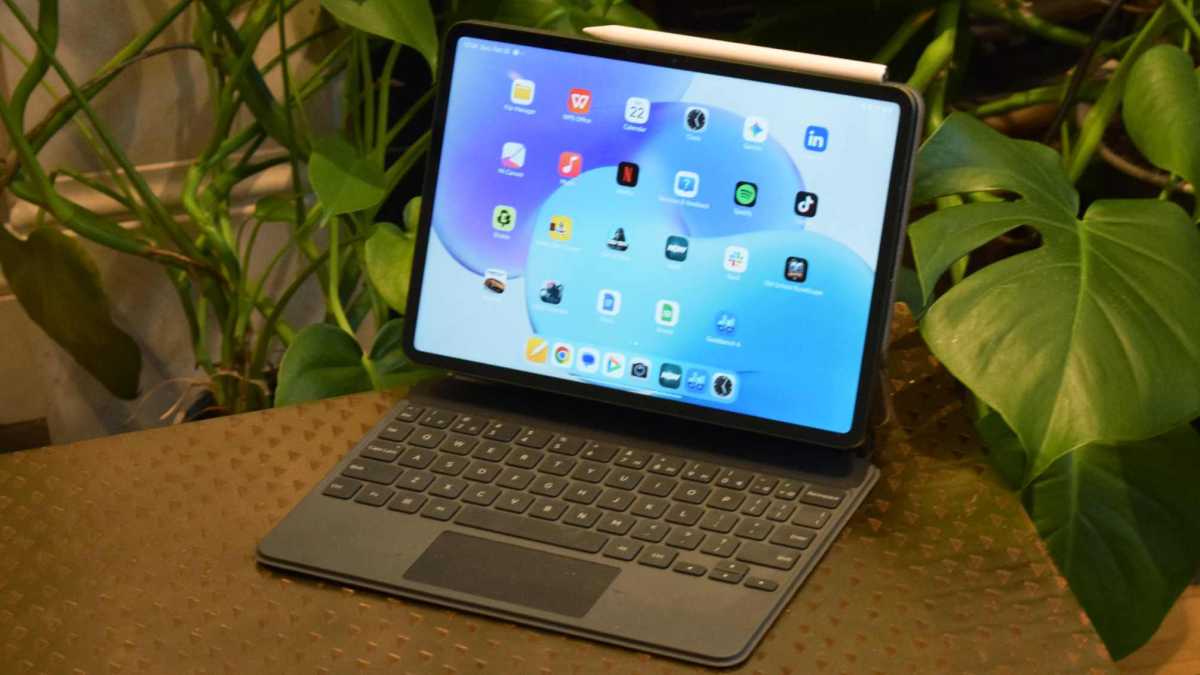
There’s also the newer Xiaomi Pad 8 available which could have the capacity to topple the Xiaomi Pad 7 that currently resides on this very list. Before we are able to get a unit in for testing, we recommend looking around for a sizeable discount on the Pad 7 before committing to any type of purchase. At the very least, you shouldn’t be paying a rate that comes within a decent distance of the full RRP.
Can I get a better tablet deal?
All of the prices that you see in our deal widgets are up to date, having been sourced in real time from all major retailers across the web. This ensures that if you do decide to make a purchase based on our buying advice, then you can know right away which retailer has the cheapest option available.
While there are plenty of deals to be had all year round, anyone who prefers holding out for a sale before buying will no doubt find exactly what they’re looking for during one of Amazon’s yearly sales (including Prime Day and Prime Big Deal Days in July and October) or, the biggest one of them all, Black Friday.
In the past, the Black Friday sale would usually kick off in the final week of November, but over the last few years, we’ve seen it expand to cover almost the entire month. While it can get a bit overwhelming, our team of tech experts will be on hand during the sale to bring you the best deals as they appear.
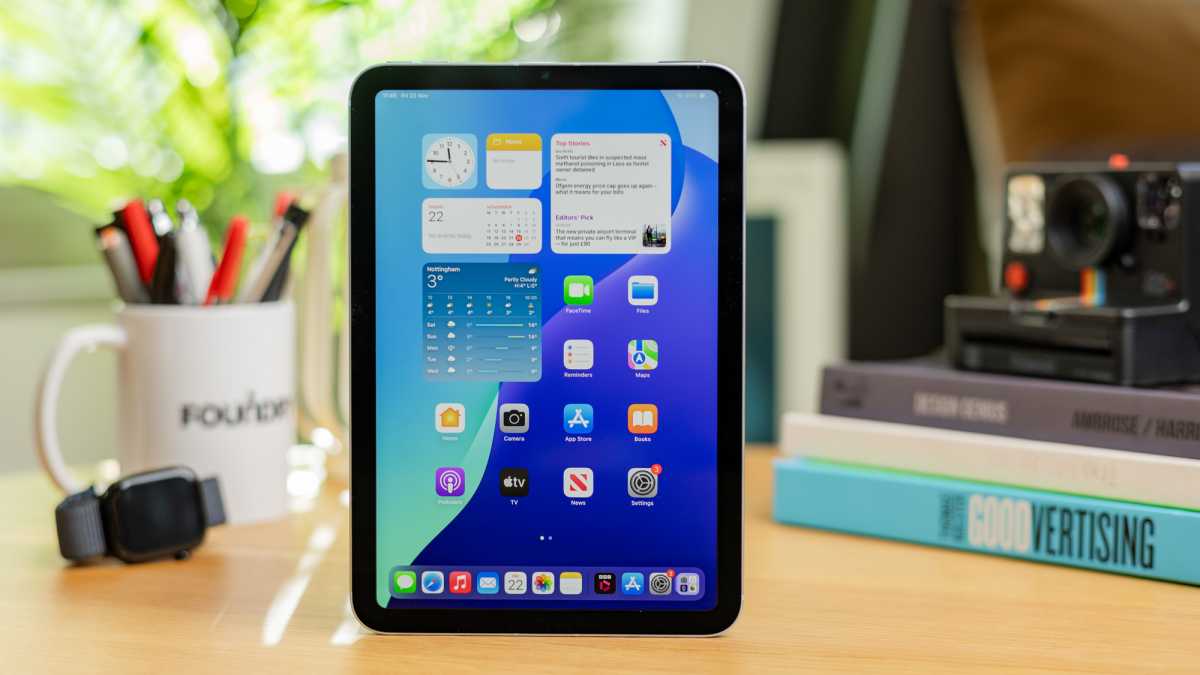
You might also want to consider a Raylo subscription. It’s ideal for spreading out the cost of a tablet if you can’t afford one outright.
Dominik Tomaszewski / Foundry
How we test tablets
When it comes to tablets, no one knows more about the industry than our team of expert in-house and freelance writers. We stay ahead of the curve by using each tablet that comes in for review as our go-to tablet computer for at least a week, building up an idea of what it’s like to use day by day in a range of scenarios.
We also subject each tablet to our series of standardised benchmarking tests so that you can know right away how one tablet’s performance compares to its closest competitors.
Read more about how we test tablets.
Why you should trust Tech Advisor for tablet reviews and buying advice
Tablet reviews have been a key portion of Tech Advisor’s coverage since 2010, back when the very first iPad and Samsung Galaxy Tab hit the scene. With this context in mind, we’ve seen the tablet industry evolve first-hand, so we know right away whether or not a ‘new’ feature is actually new, and just how much of a difference it can make to the experience overall.
Who curated this article?
As Tech Advisor’s Mobile Editor, Anyron Copeman is an expert when it comes to all things smartphone, but his expertise extends into the world of tablet computers, given just how much they overlap. Even though he usually carries around two or three phones at a time, there’s always a tablet in tow for the times when a dinkier display just isn’t right for the job. As a result, he’s tested dozens of tablets in recent years and knows what makes for a good one.
How to choose the best tablet
Unlike smartphones, which have more verticals to choose from, such as deciding whether or not you value performance, cameras, AI features or more, the decision over which tablet to buy essentially breaks down into a single question: do you want it for work or pleasure?
If you’re going with the latter, then you have plenty of options available to you, and at a more affordable price point as well. Tablets that sit below the £300/$300 mark have lots of crucial features such as bright displays and long-lasting battery life. If you just want to kick back and stream several hours of the latest must-watch Netflix show, then you have the freedom to do so.
Alternatively, if you’re a student or a professional who is considering a tablet (either as a companion to their laptop or a complete replacement for it), there are still great options available, but they’ll typically come with a higher price tag.
Performance is crucial when it comes to productivity, which is why it’s worth investing a bit more (ideally £500/$500 or more) in a tablet that comes with a higher-end processor, ideally one that can handle multitasking without breaking a sweat.
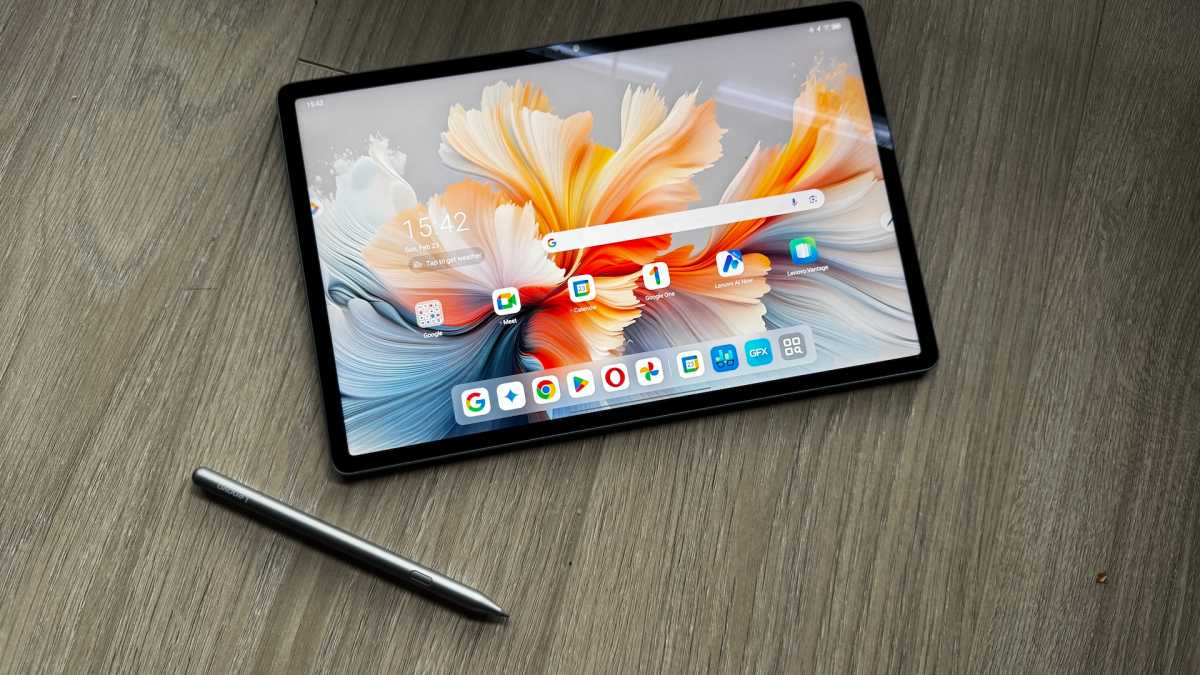
It’s also worth factoring in the cost of additional accessories that complete the experience of using a tablet as a workstation, such as Bluetooth keyboards and mice, not to mention needing a stylus if your work involves digital art or note-taking.
Anyron Copeman / Foundry
Tablets buying guide
What should I look for when buying a tablet?
When buying a tablet, there are lots of things to consider, including build quality, design, size, core specifications, operating system, features, performance, battery life and more.
Which elements are important to you depends on what you need a tablet for. For entertainment, you’ll likely want to prioritise a large, colourful screen and good speakers. For productivity, performance, battery life and accessories like a keyboard case are probably top of your list.
We have ranked the tablets above, but that doesn’t automatically mean the one in first place is the best suited to your needs.
Should I buy an iPad or an Android tablet?
In the tablet world, you’ve got four main choices for operating systems: an iPad, an Android tablet, an Amazon Fire tablet or a Windows tablet.
Apple iPads run the company’s own iPadOS, which is widely regarded as one of the best out there. It’s easy to use and app developers usually make it their first choice, so you’re pretty much guaranteed to find what you’re after, whether it’s a banking app or the latest games.
If you have an iPhone, then it’ll also be very familiar. This is valuable when you buy accessories that require apps, mainly smart home or fitness gadgets, as you may not be able to control these from a Windows (or Fire) tablet.
In most cases, apps are made available on Android as well as iPads, but not always. Android tablets can be cheaper than iPads, but there are some Samsung models which cost the same or are more expensive.
Windows tablets come in both cheap and expensive guises, with the advantage of being able to support the same programs you’re likely already used to running on your laptop or PC. There just aren’t as many finger-friendly tablet-optimised apps as you’d find on your phone or an iPad.
And that’s why most Windows tablets come with a keyboard (or at least offer one as an optional accessory), they’re really a hybrid of a laptop and tablet. But as you’ll find out in most of our Windows tablet reviews, this is rarely a case of getting the best of both worlds. One exception is the Surface Pro line from Microsoft.
The fourth option is Amazon’s Fire tablets. These are based on open-source Android but are locked into Amazon’s own ecosystem, running on what’s called Fire OS. As such, you won’t find any Google services or apps on them natively, so bear this in mind. They are very affordable, though.
Bear in mind that some tablet makers use their own custom OS, such as the ReMarkable 2.
What is the best brand for tablets?
Apple is probably the brand most people think of first when it comes to tablets, thanks to the dominance of the iPad. If you can afford one and it ticks your boxes, then great, but there are reliable alternatives.
As mentioned, Amazon makes its own Fire Tablet range, but when it comes to Android and Windows slates, there are almost too many to choose from – although we are big fans of Microsoft’s own Surface devices, many of which are tablets.
Many of the top brands make both Windows and Android tablets, and we’d recommend looking at devices from the likes of Samsung, Lenovo, Asus and Xiaomi. Other brands include Huawei, Nokia, Realme and OnePlus.
How much should I spend on a tablet?
You’ll also need to decide how much to spend. Devices can go beyond the $1,000/£1,000 mark if you buy a premium device in a high-spec model.
Of course, you can spend a lot less than that. We’ll often have cheaper models in this round-up, but we also have a dedicated list of the best budget tablets if you’re on a budget.
What is the best Android tablet?
Based on our testing, the best Android tablet that money can buy is the Samsung Galaxy Tab S11 Ultra, although that does cost with a premium price tag starting at £1,199/$1,199
However, for most people, the Xiaomi Pad 7 is the Android tablet to go for. It’s much more affordable, yet delivers all the fundamentals within a slick, premium device.
What is the best iPad?
For most people, the M4 iPad Air is the best iPad you can buy, and the best tablet overall, in fact. It combines top-tier performance with a premium chassis and the best software you’ll find on any slate.
Author: Anyron Copeman, Mobile Editor, Tech Advisor

Anyron is Mobile Editor at Tech Advisor, where he’s been a mainstay of the editorial team since 2019. In his current role, Anyron is responsible for all smartphone, tablet and mobile network coverage on the site. A BA Journalism graduate, he has experience with a wide range of consumer tech products and services, including smartphones, tablets, foldables, wearables and more.